Module 2 Formstorming

Weekly Activity Template

Yvy Ong - My journey exploring sounds, movement, and P5.js.


Project 2


Module 2

In Module 2, I've been given the oppurtunity to explore sounds and how it can impact the user experience.

Activity 1
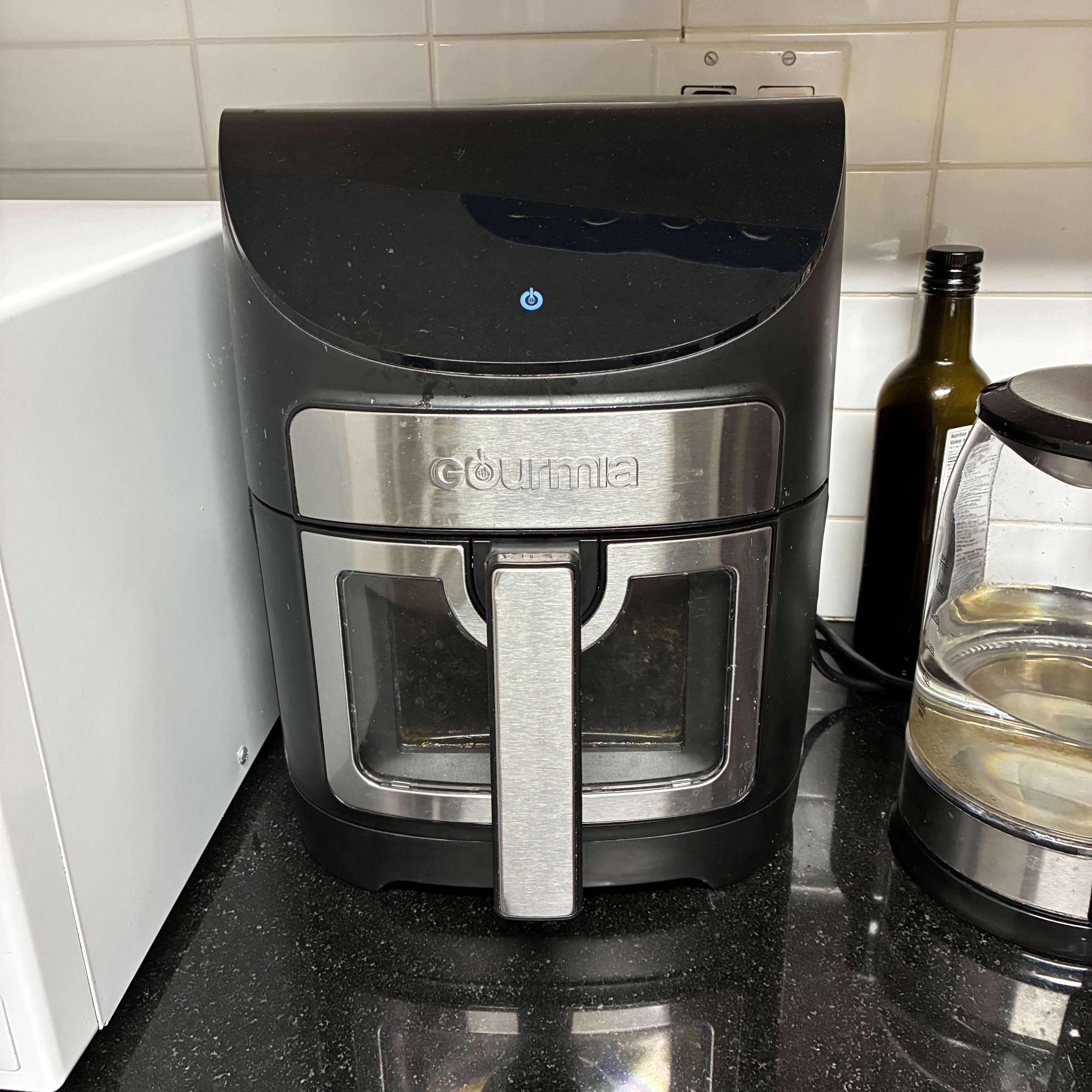
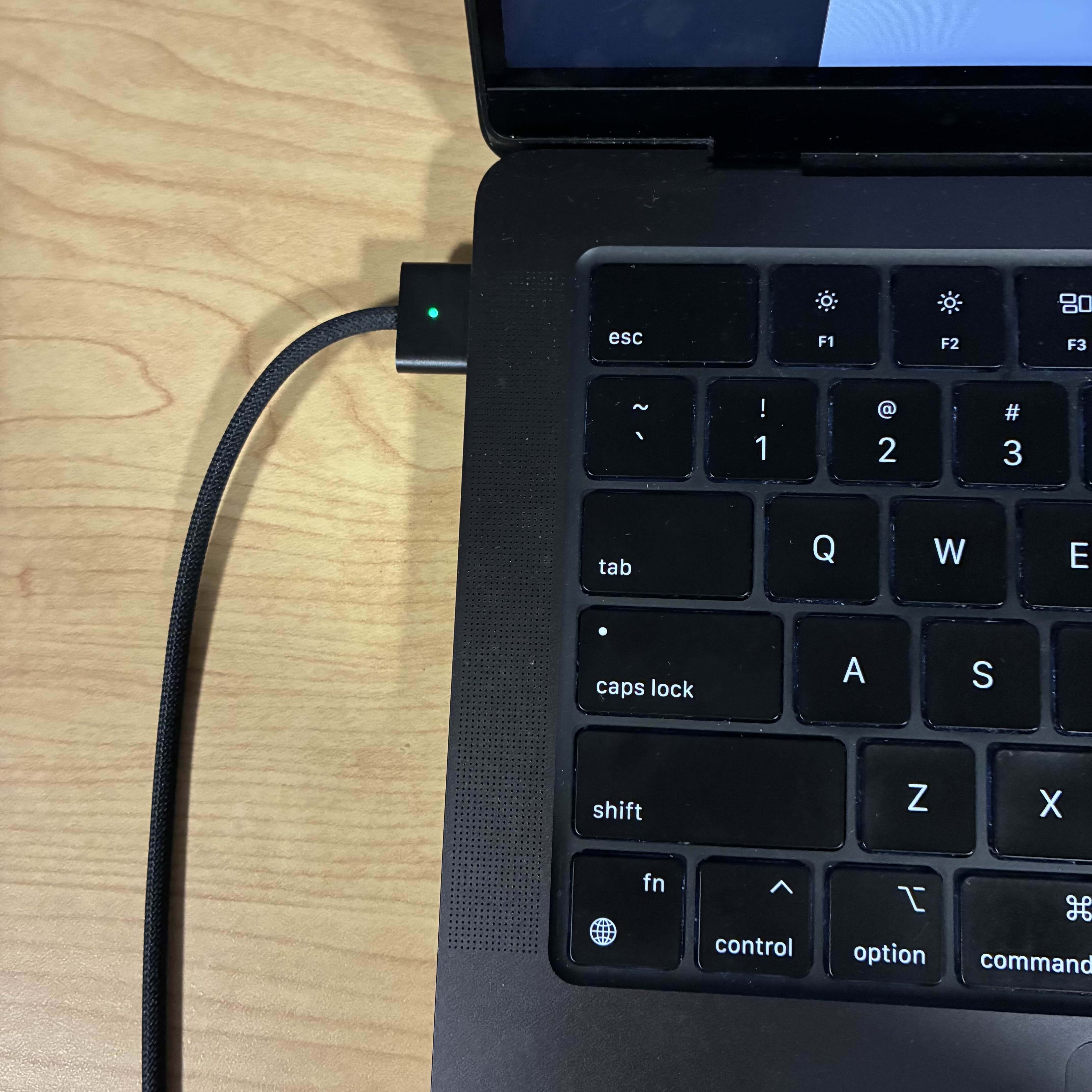
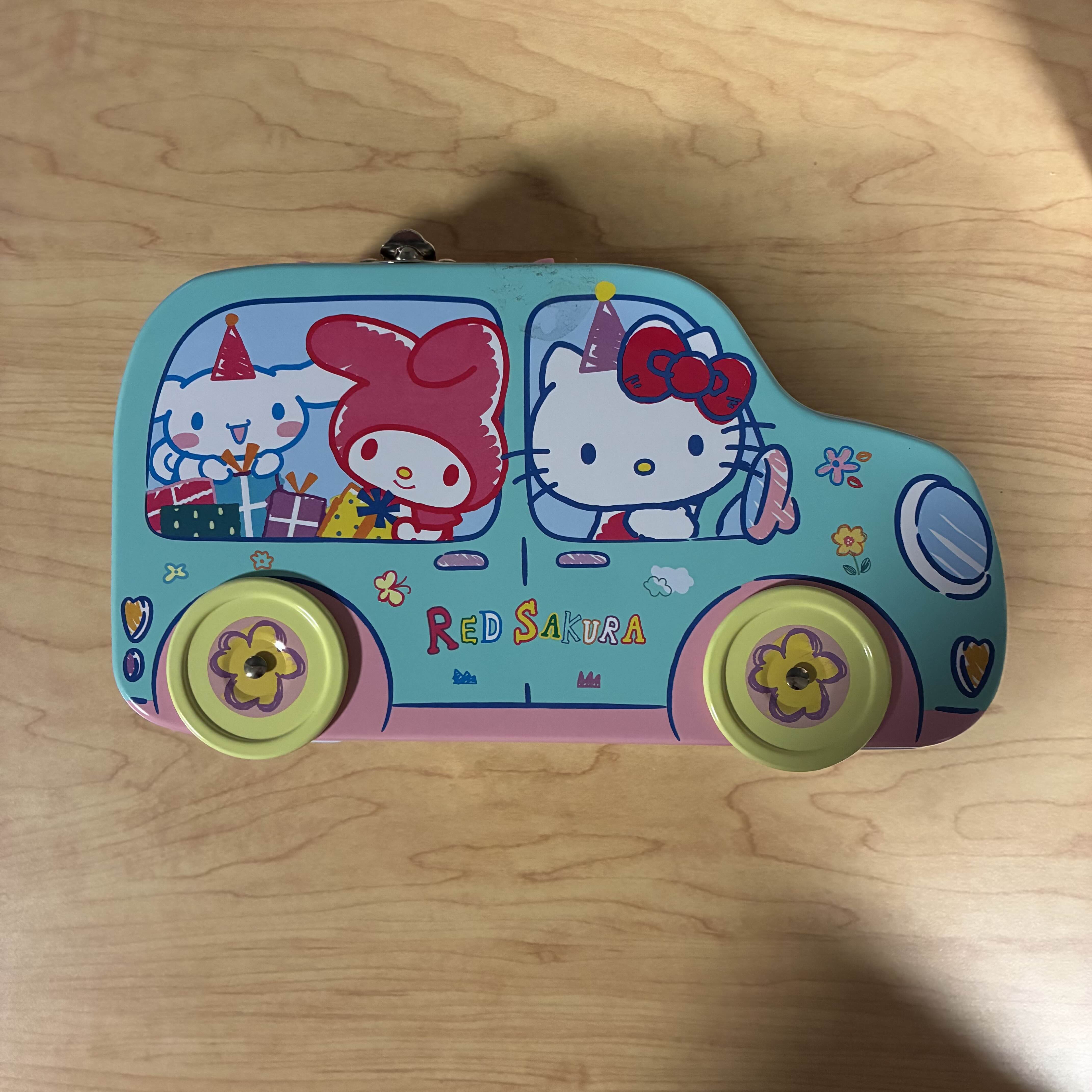
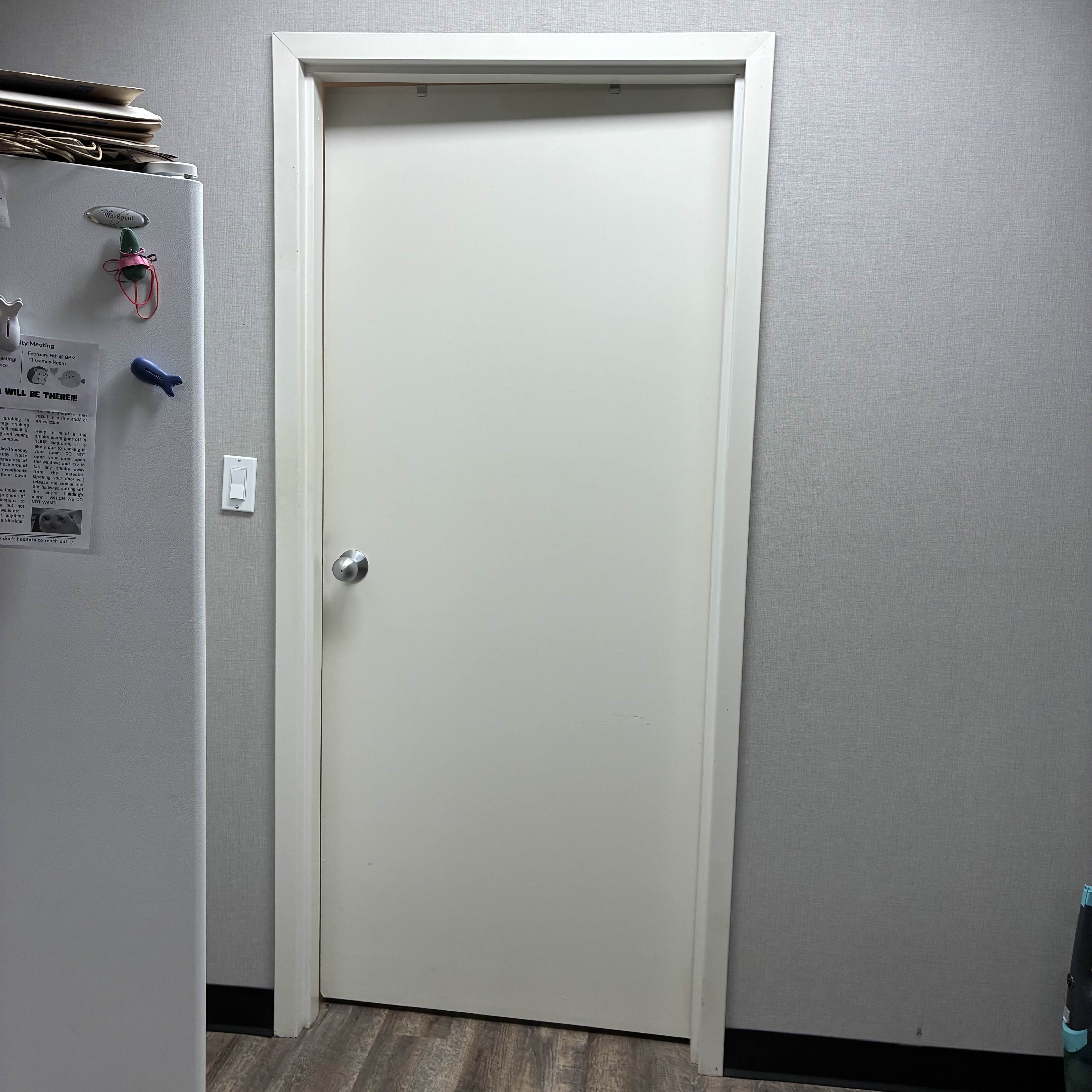
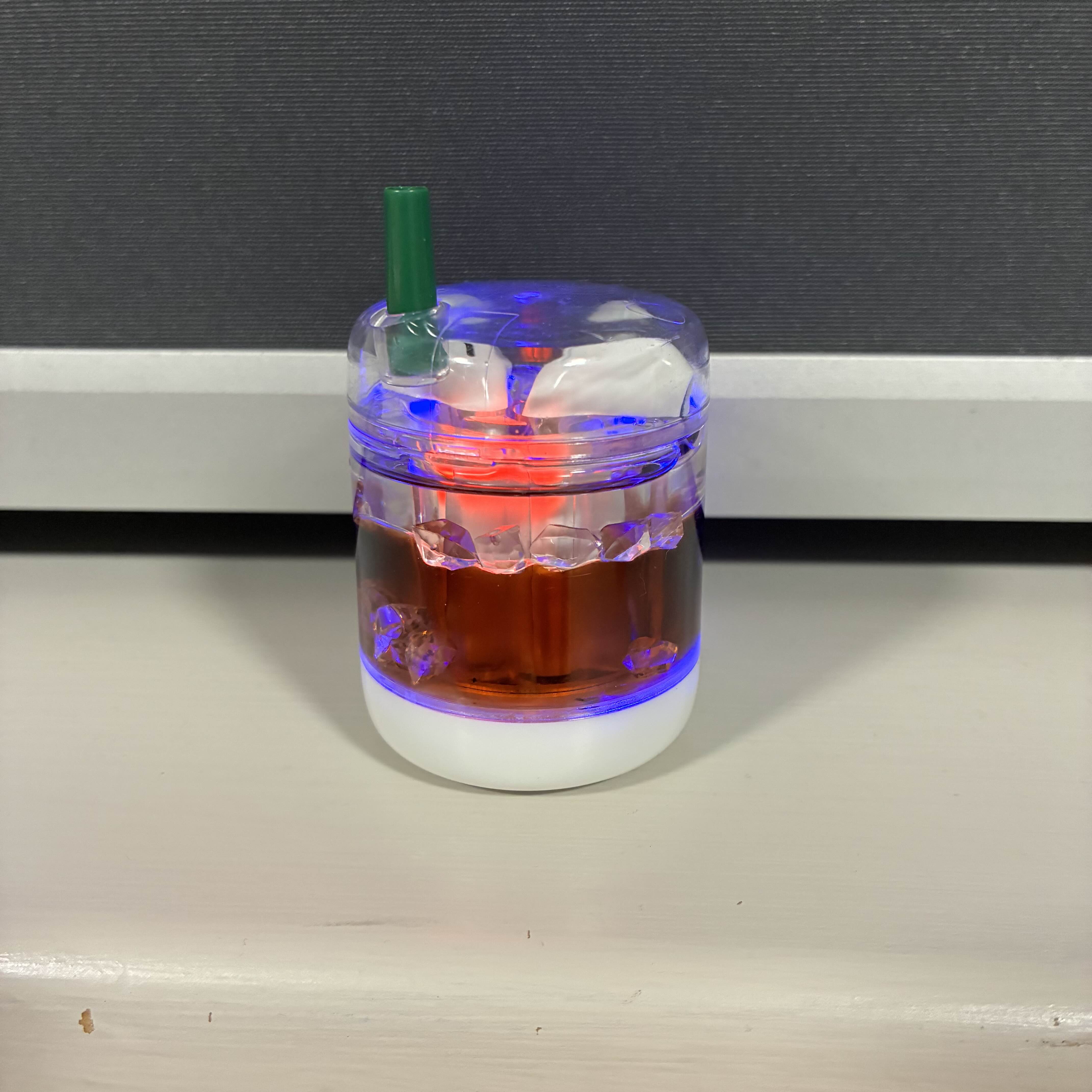
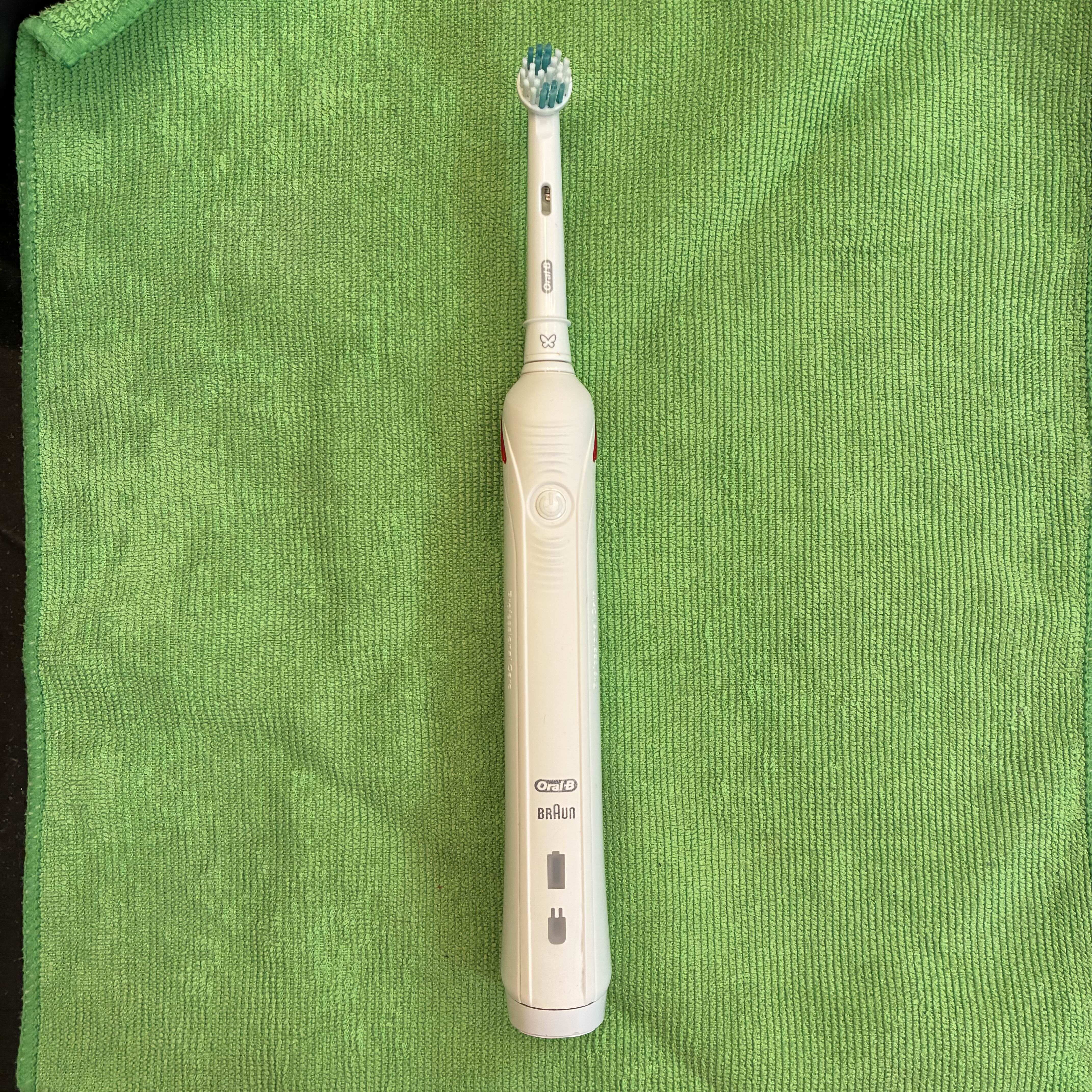
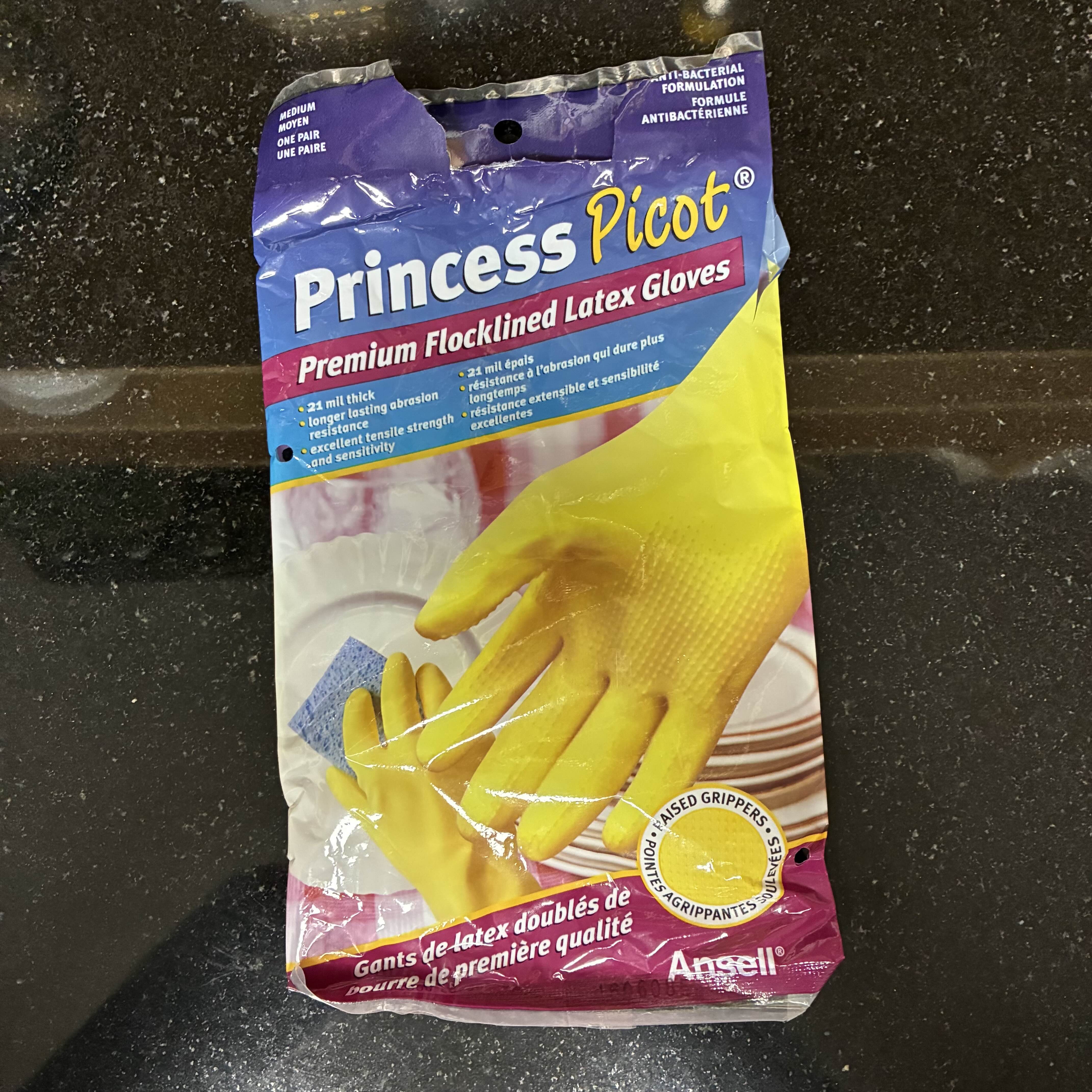
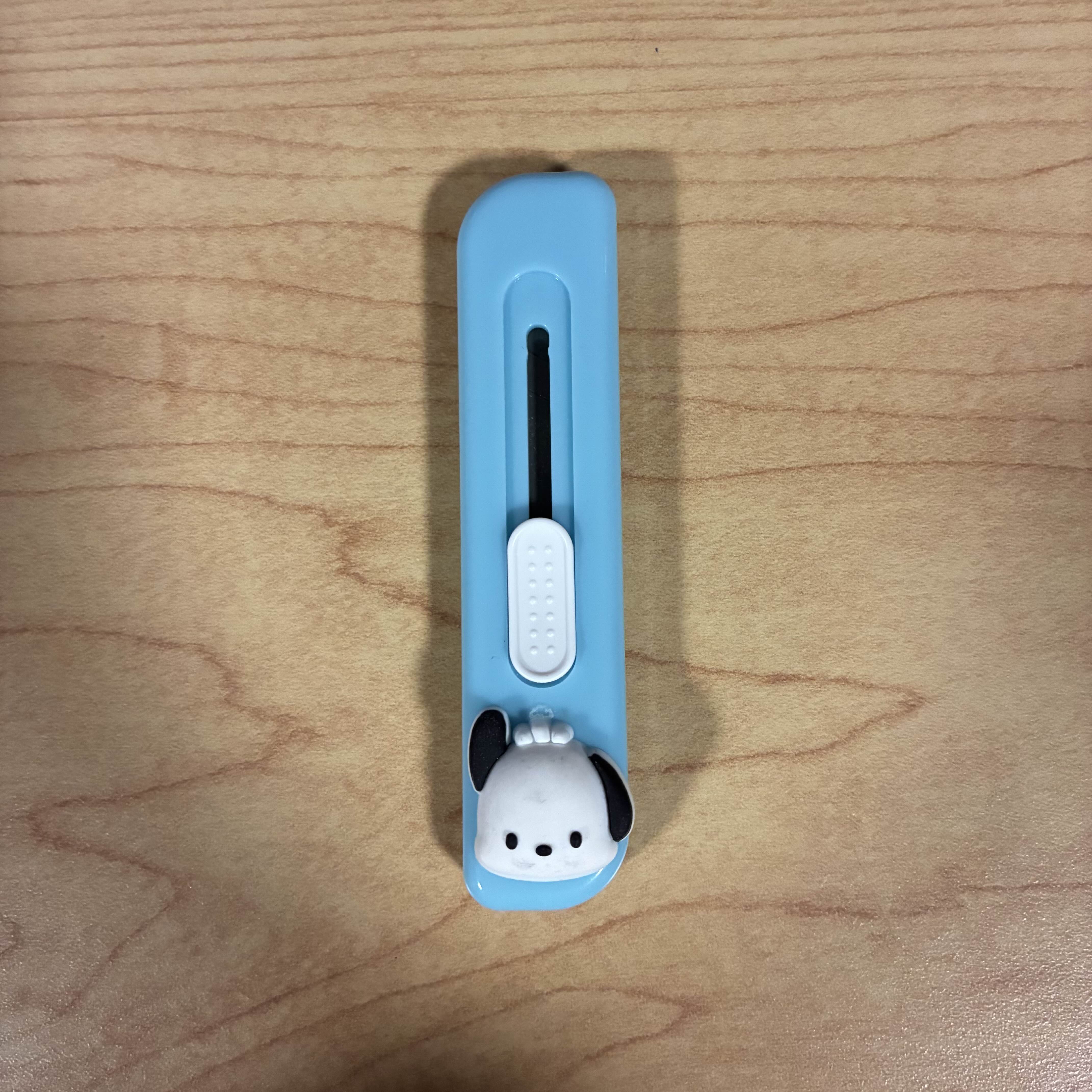
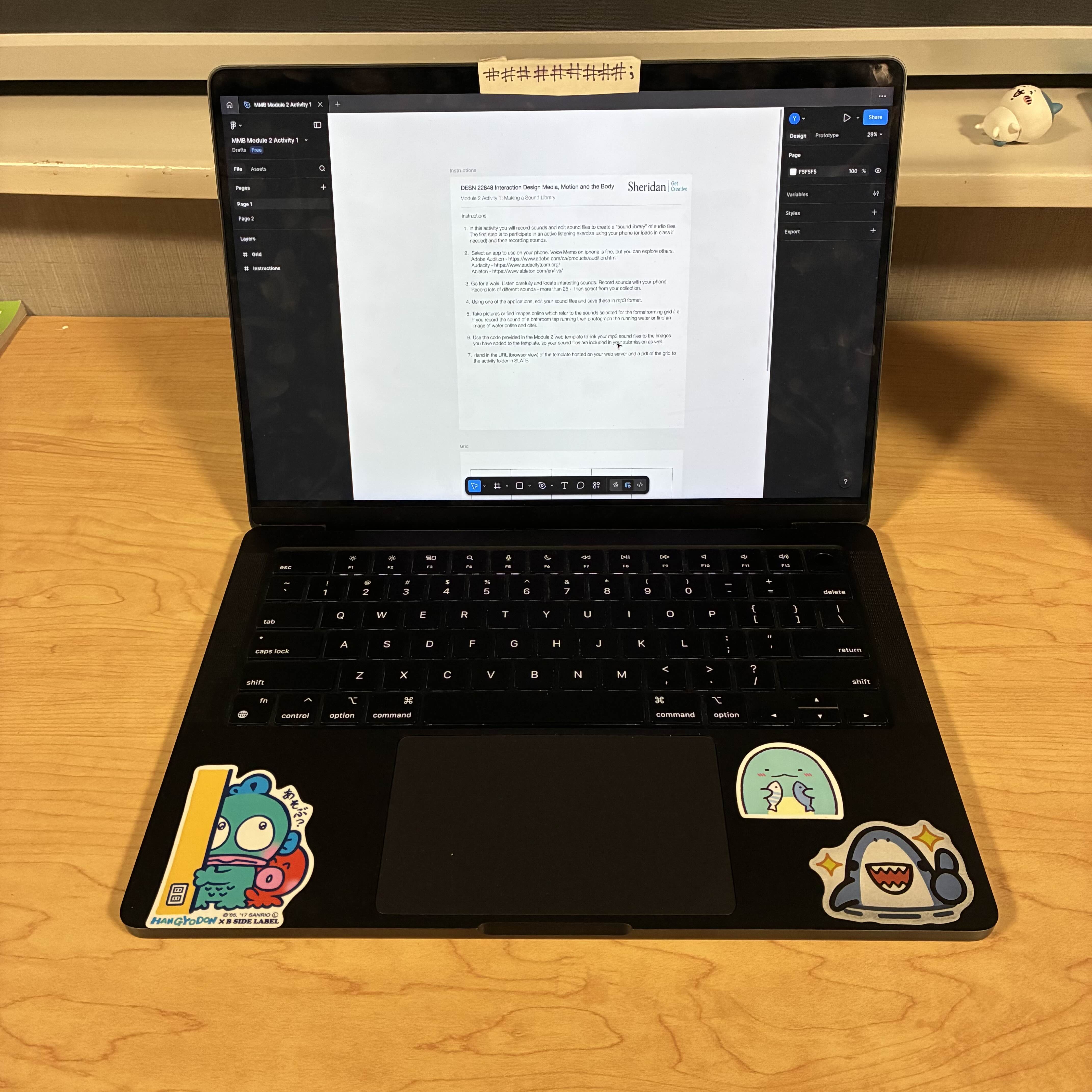
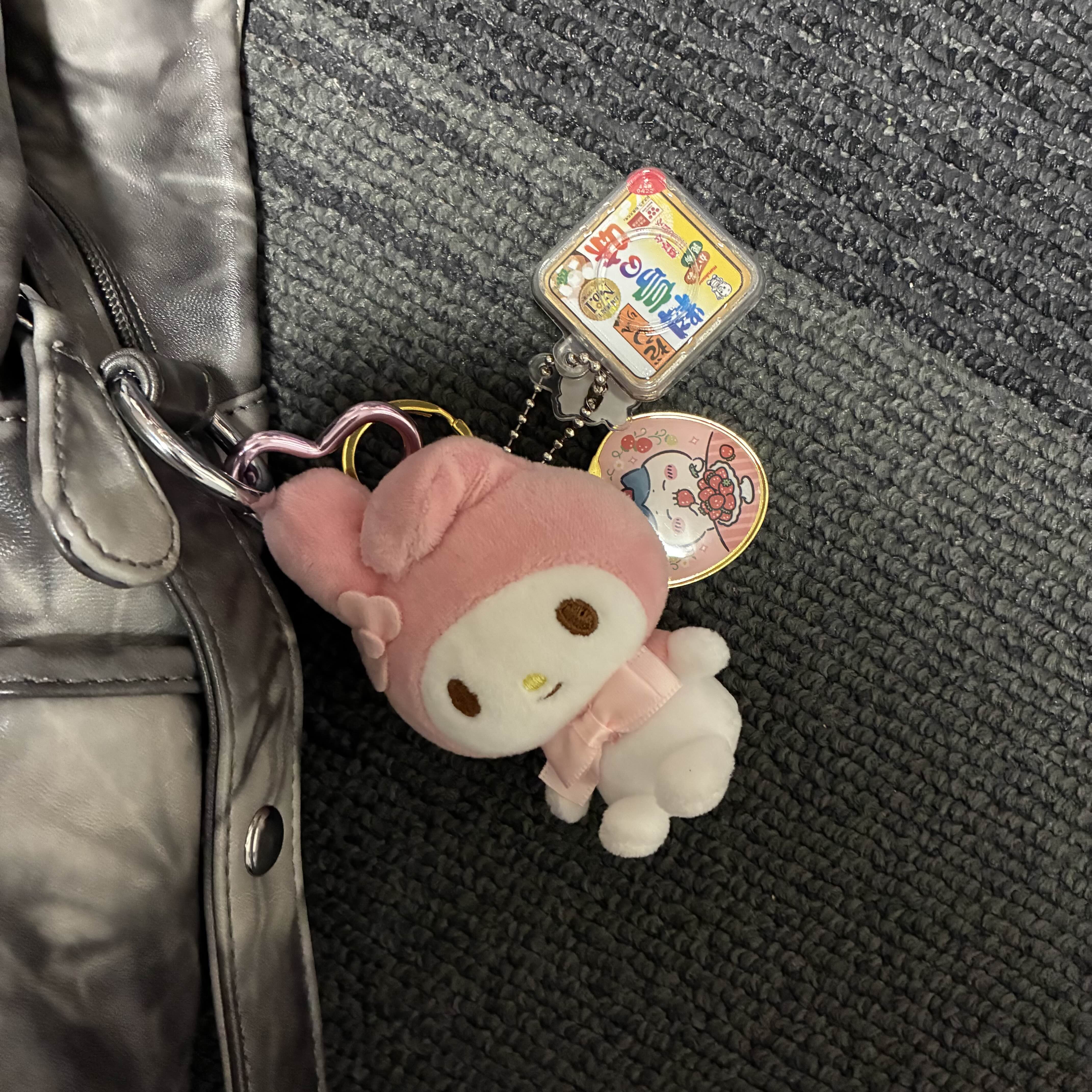
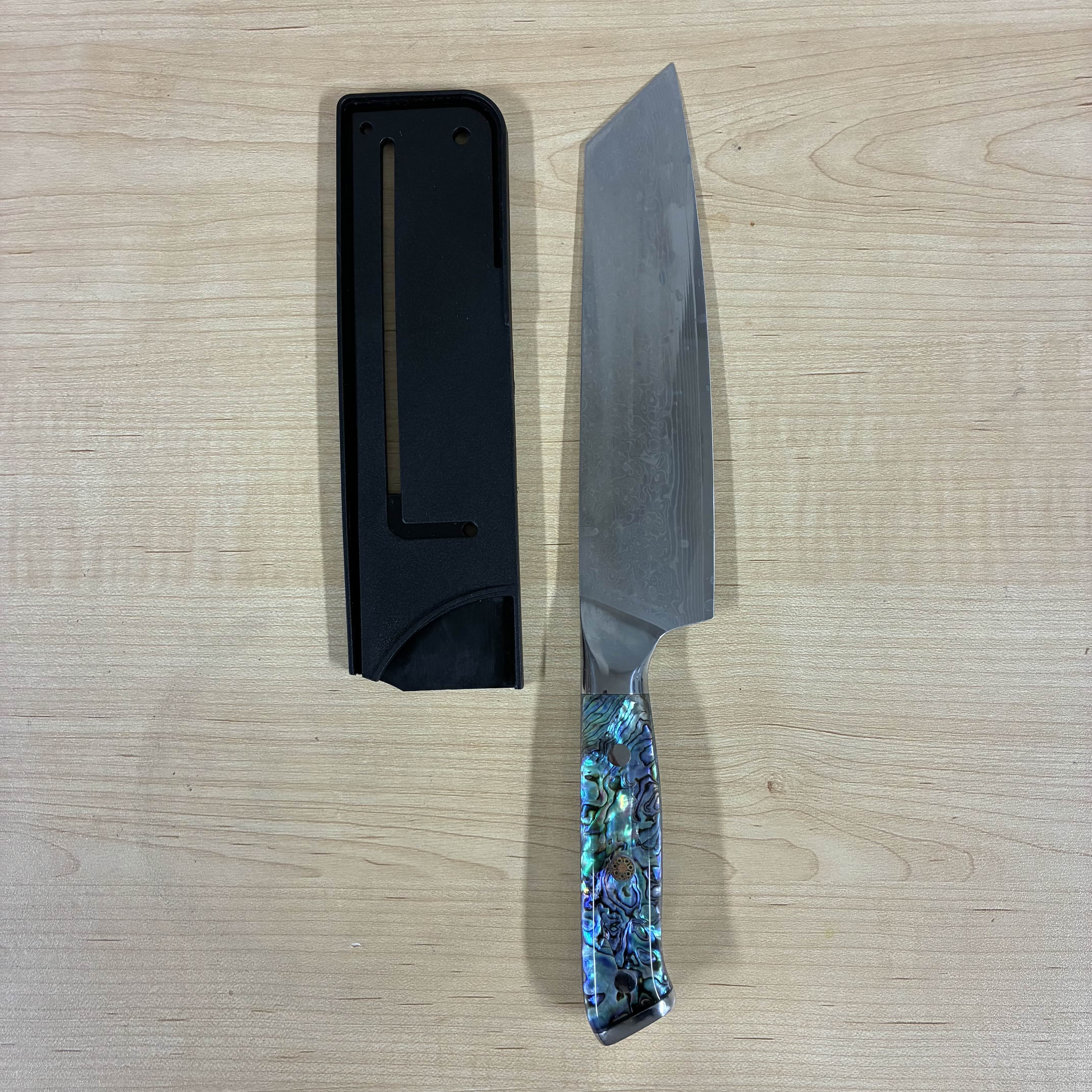
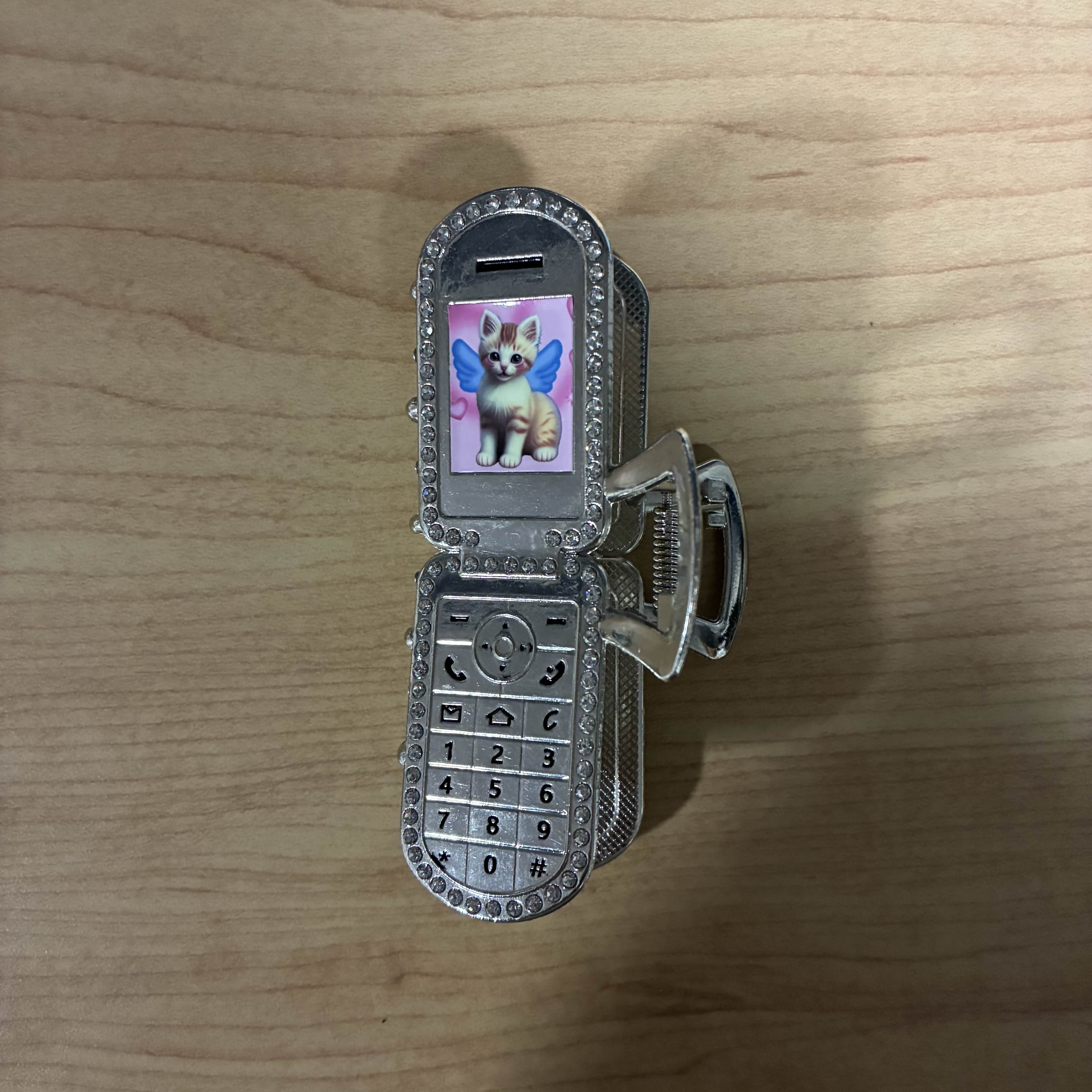
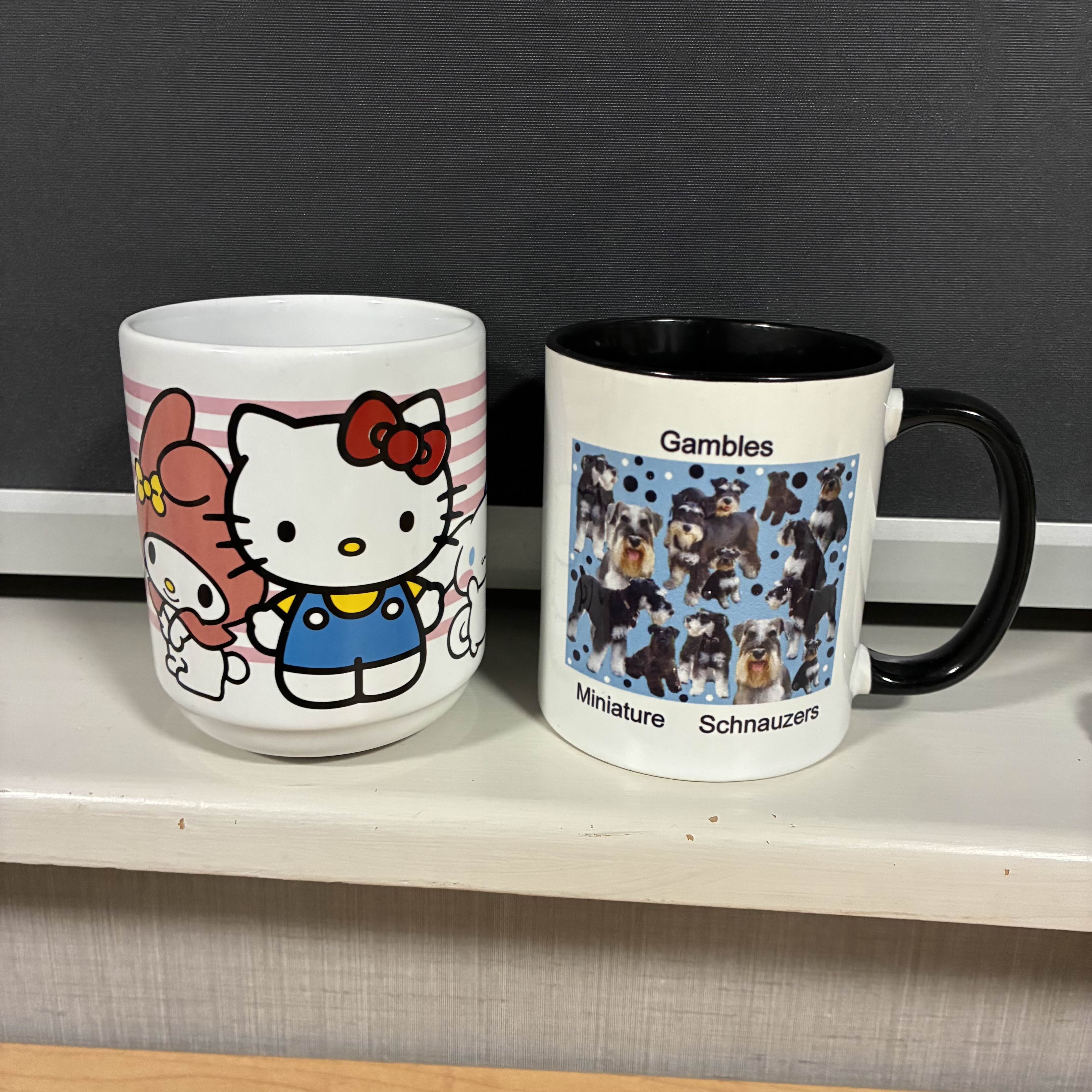
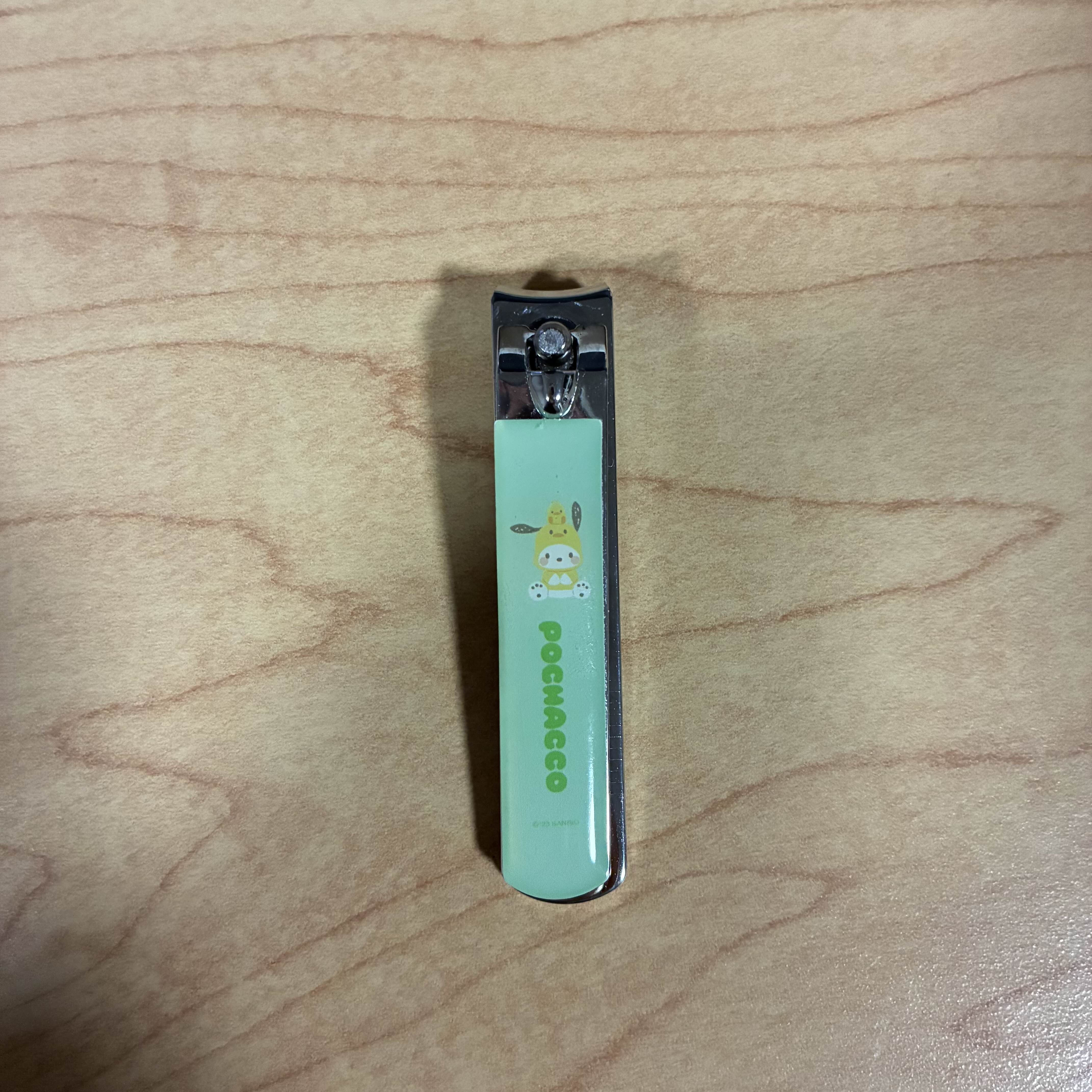
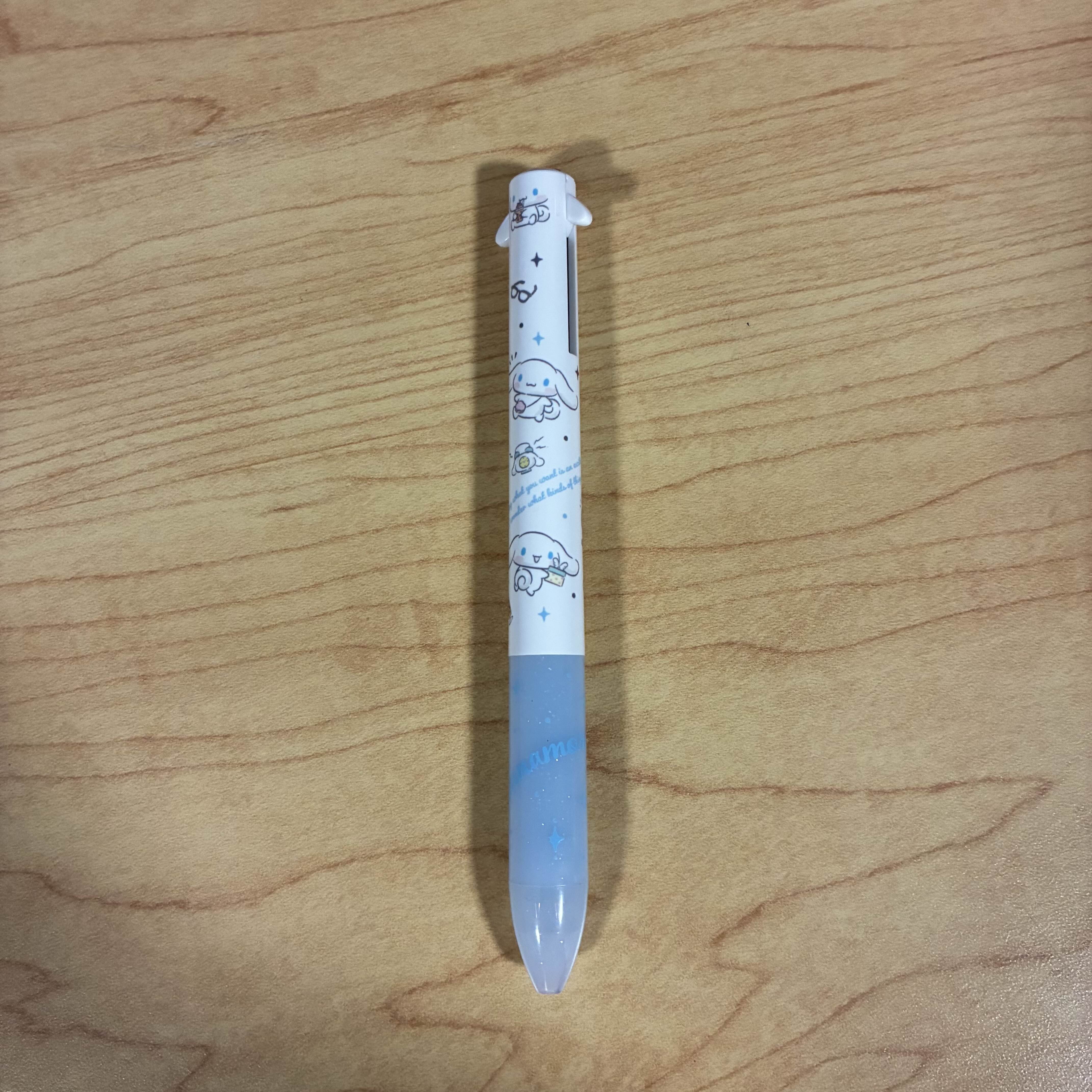
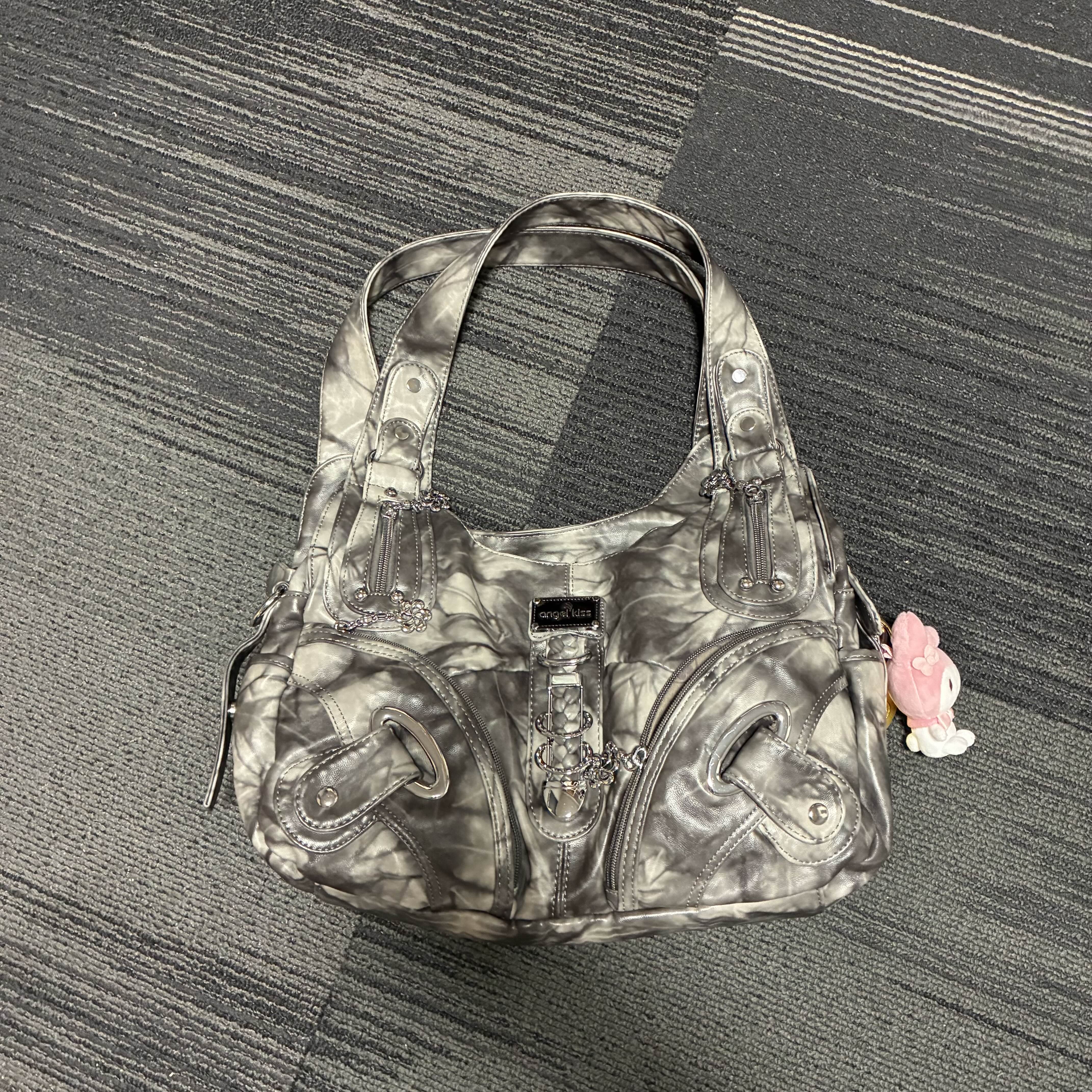
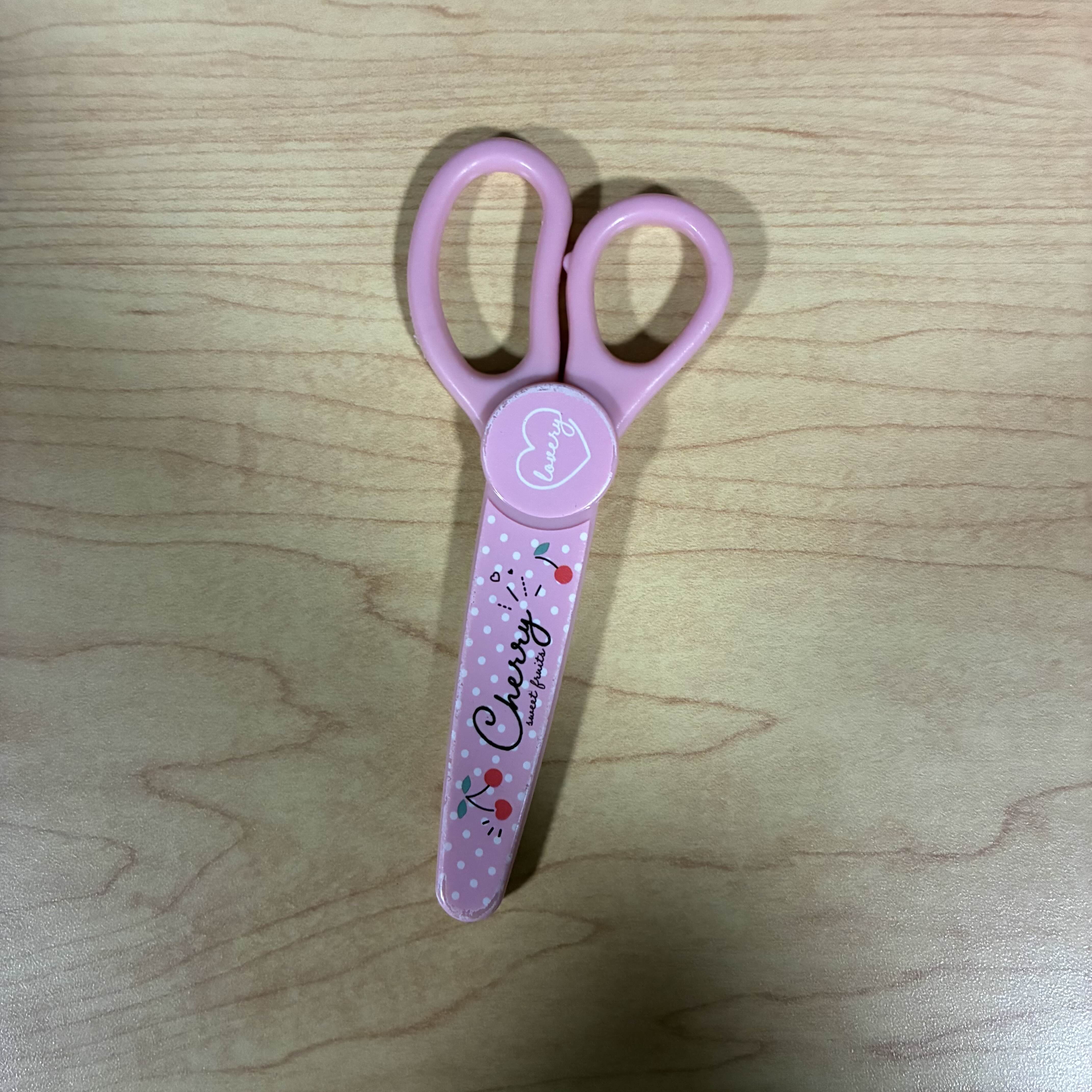
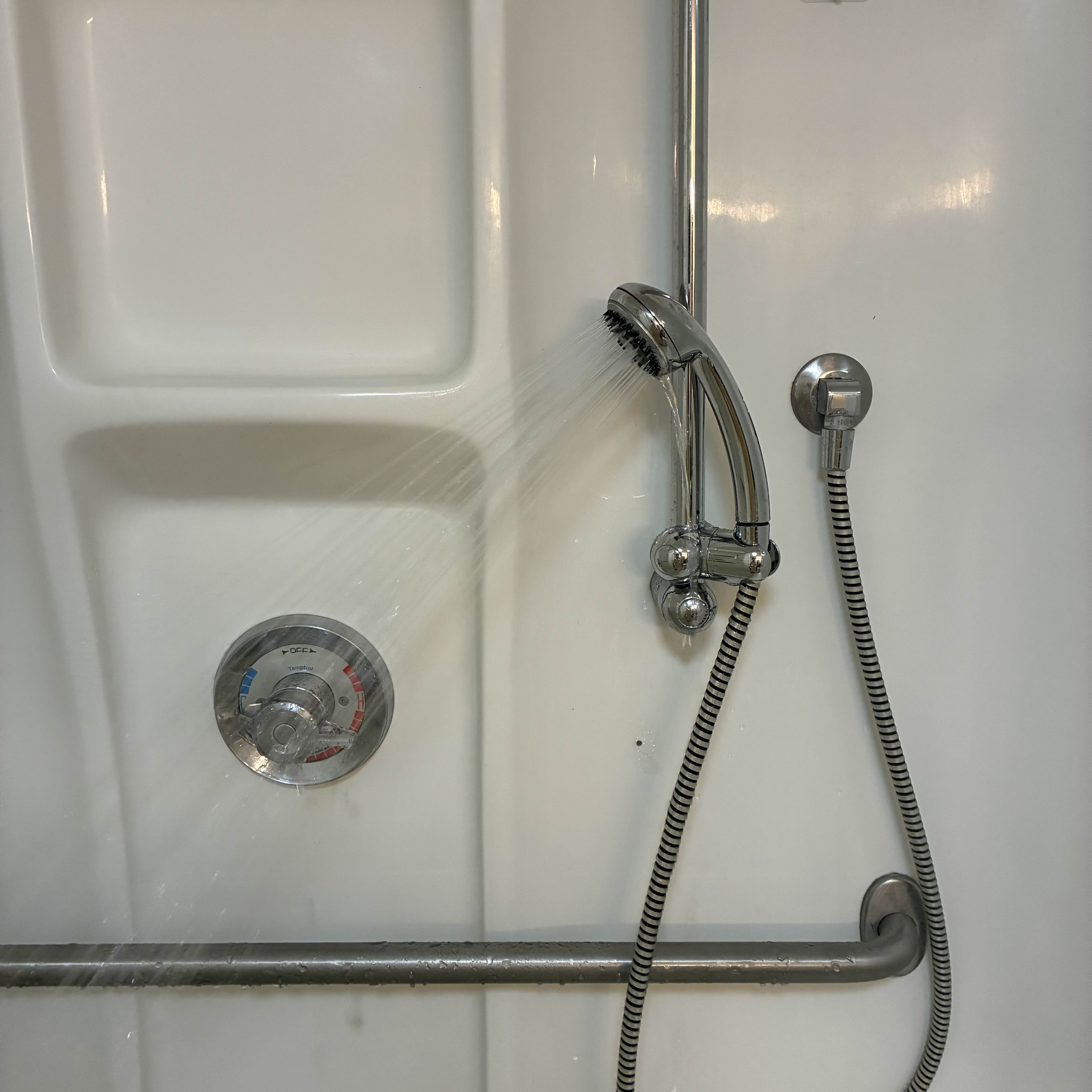
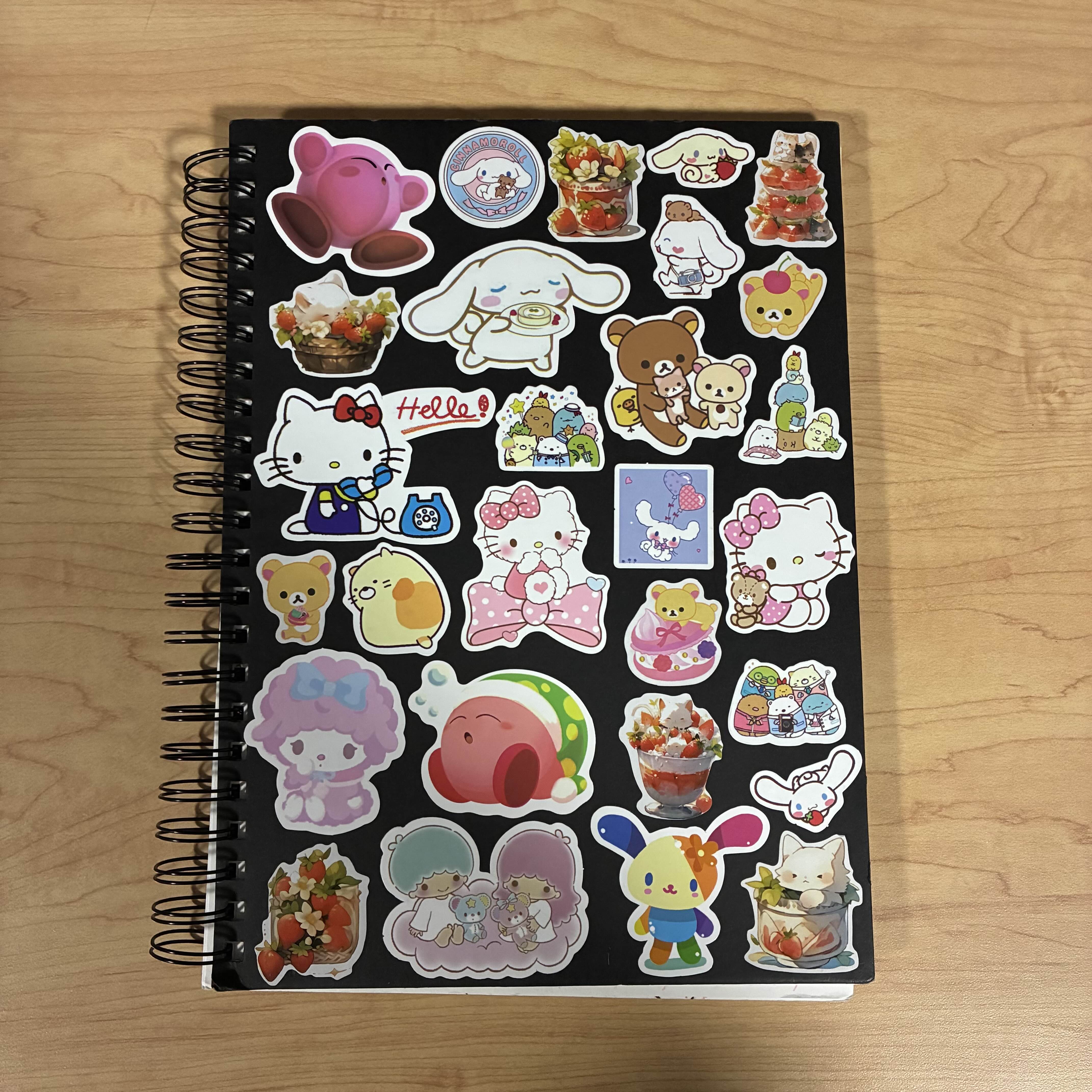
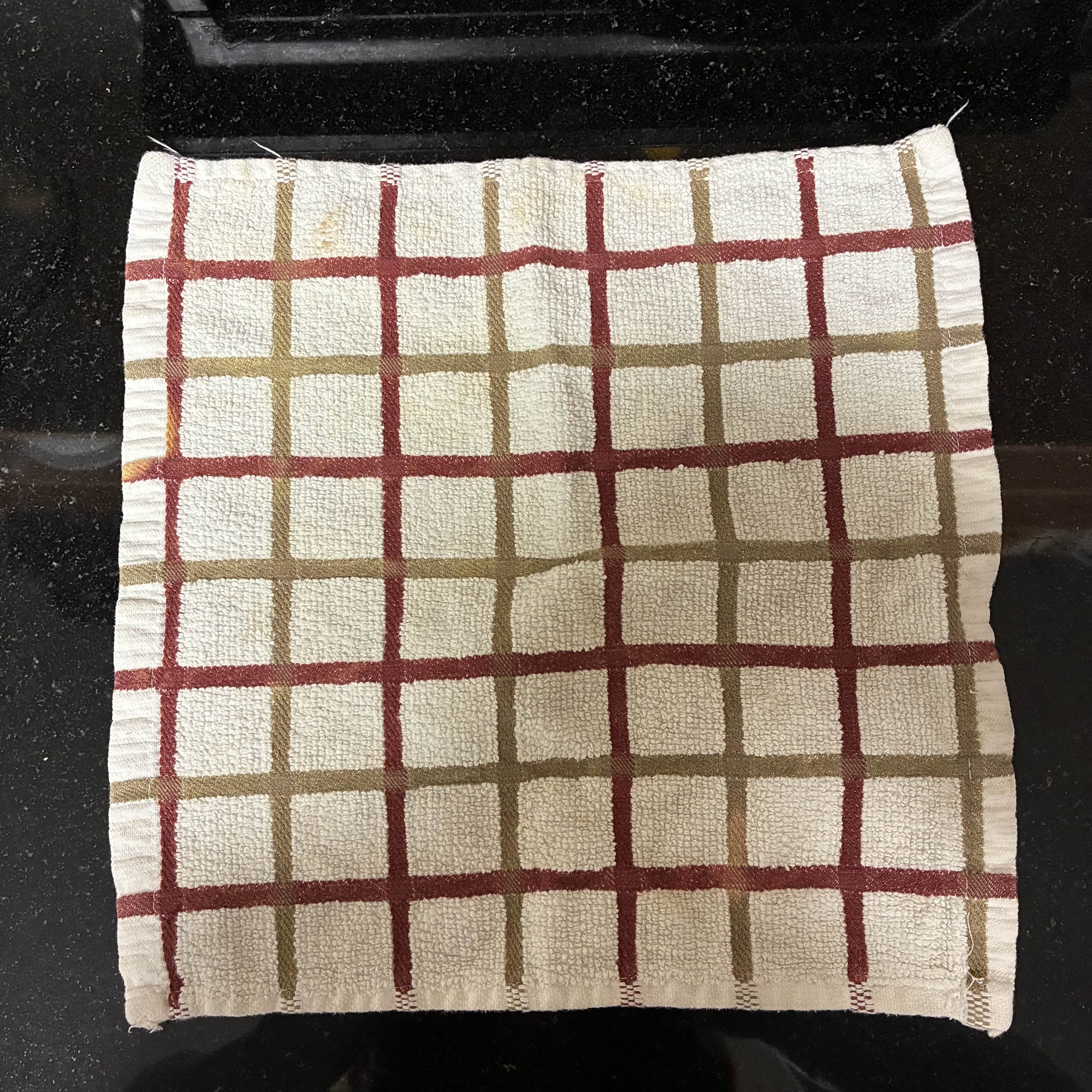
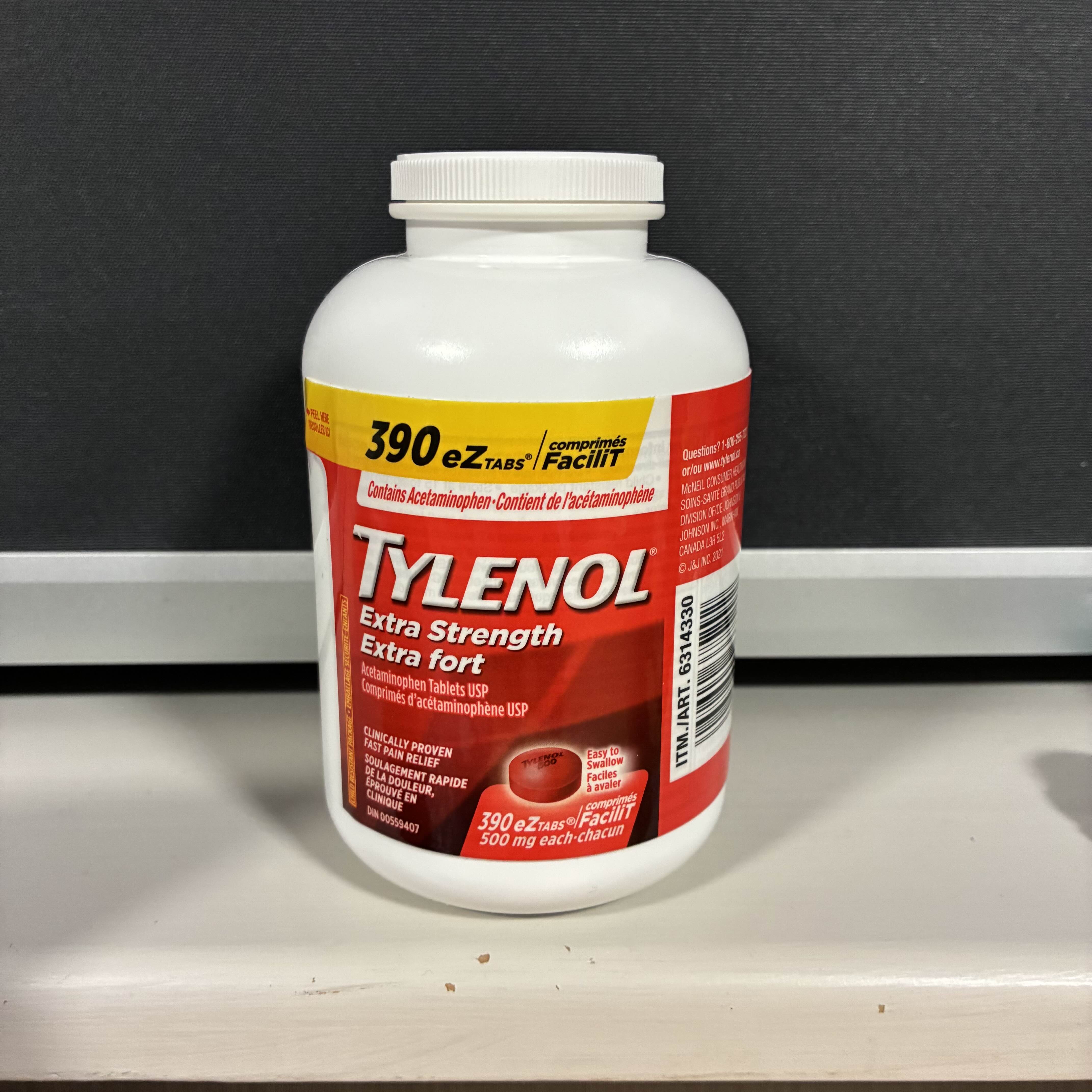
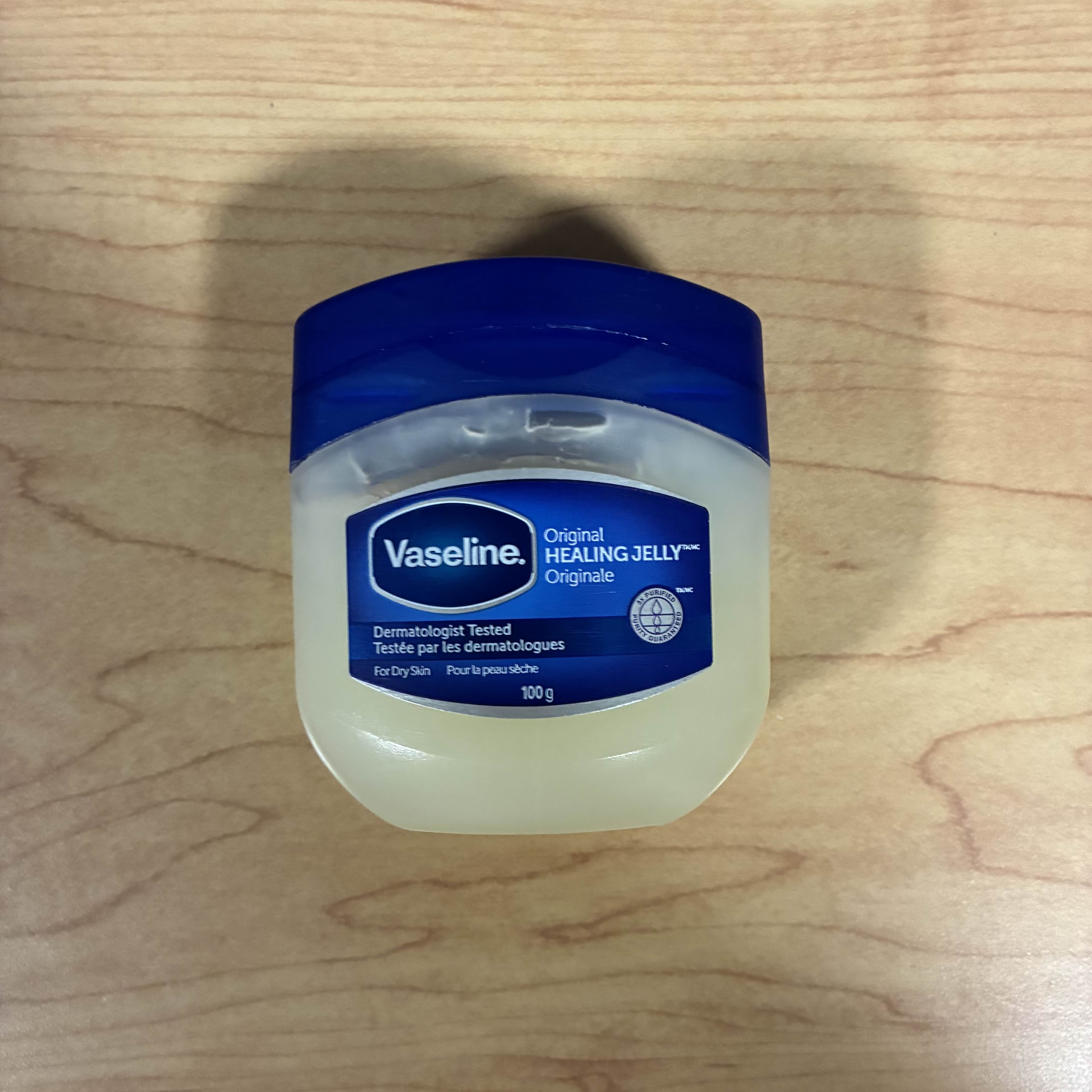
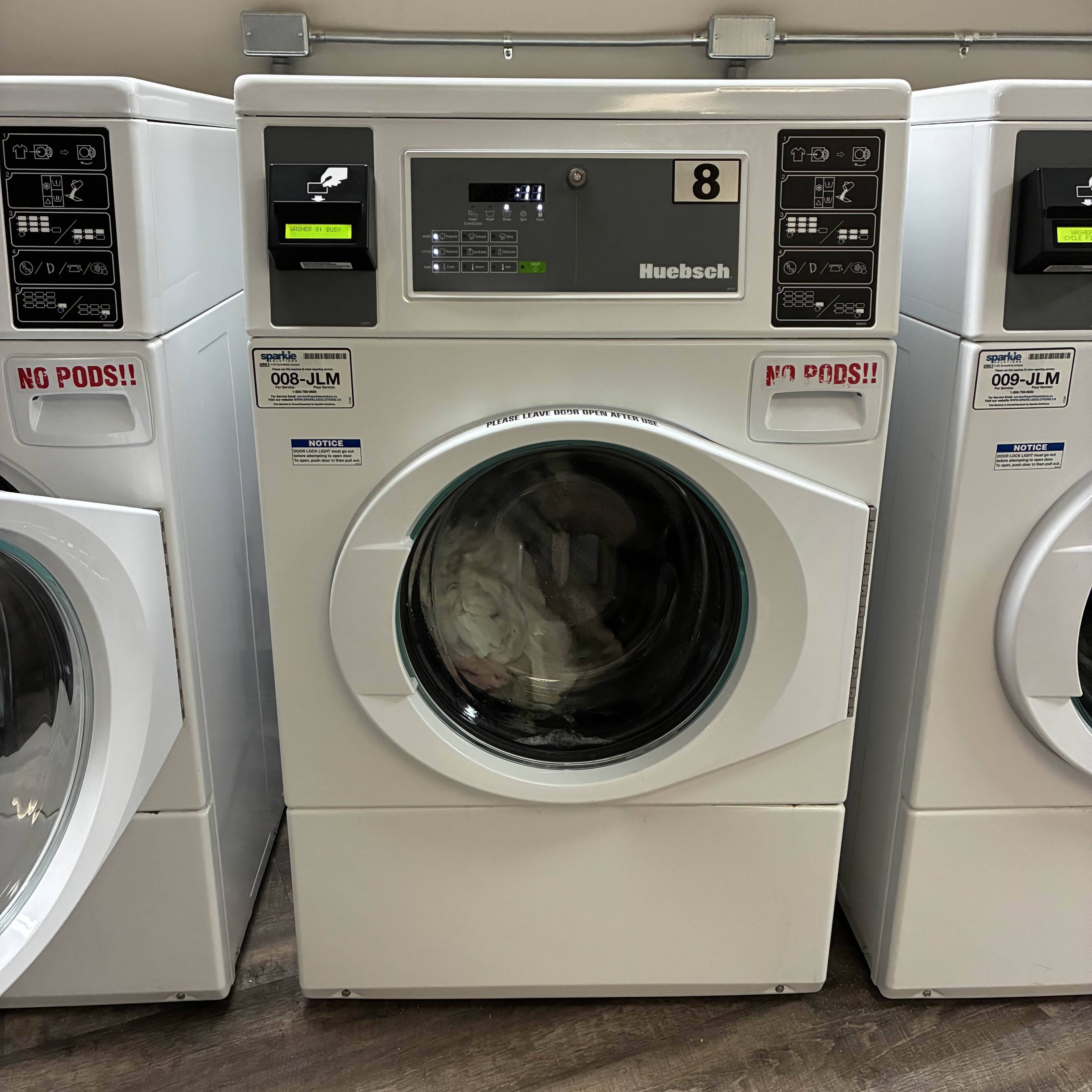
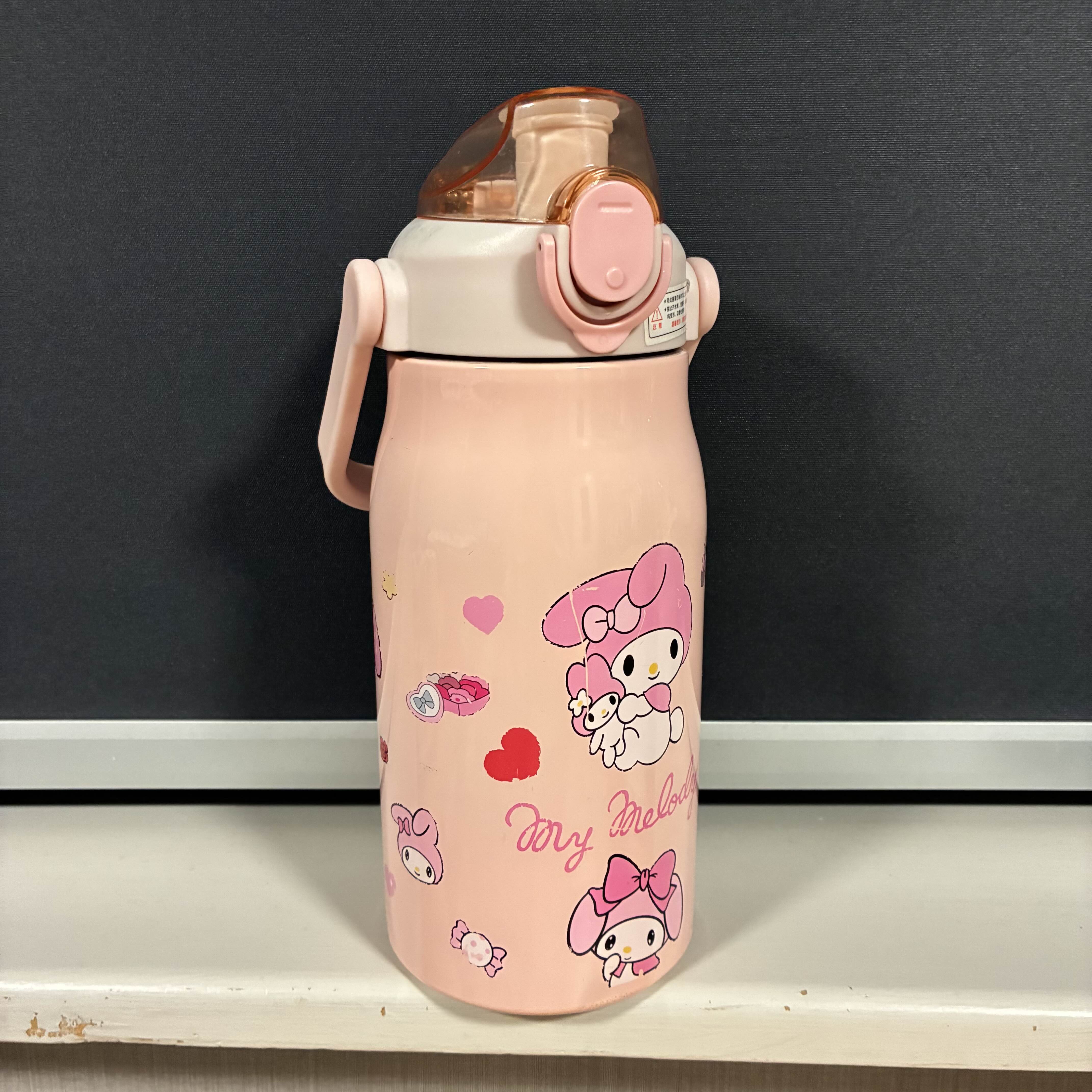
This is the soft hum that comes from my airfryer when I'm cooking food.<br><audio controls src='/audio/airfryer.mp3'></audio> This is the sound of me plugging and unplugging my laptop in to charge.<br><audio controls src='/audio/Charging_2.mp3'></audio> This is the sound of me dropping coins into my metal coinbox.<br><audio controls src='/audio/coinholder.mp3'></audio> This is the sound of my bathroom door opening and closing.<br><audio controls src='/audio/Door.mp3'></audio> This is the sound of my earbud case opening and closing. <br><audio controls src='/audio/Earbuds.mp3'></audio> This is the sound of my electric toothbrush vibrating after being turned on. <br><audio controls src='/audio/Electric toothbrush.mp3'></audio> This is the sound of me crumpling an empty plastic bag that originally held rubber gloves. <br><audio controls src='/audio/empty plastic.mp3'></audio> This is the sound of me ejecting and retracting my exacto knife.<br><audio controls src='/audio/Exacto knife.mp3'></audio> The sound of my typing on my laptop's keyboard. <br><audio controls src='/audio/Keyboard.mp3'></audio> The sound of my keychains on my bag hitting eachother. <br><audio controls src='/audio/Keychains.mp3'></audio> This is the sound of me pulling amy knife out of its cover and then putting it back in.<br><audio controls src='/audio/knife.mp3'></audio> This is the sound of my metal claw clip opening and closing.<br><audio controls src='/audio/metal claw clip.mp3'></audio> This is the sound of my metal hair clips jingling and opening and closing.<br><audio controls src='/audio/Metal hair clips.mp3'></audio> This is the sound of my two ceramic mugs hitting eachother.<br><audio controls src='/audio/Mugs.mp3'></audio> This is the sound of me clipping my nails with a nail clipper. <br><audio controls src='/audio/Nail-clipping.mp3'></audio> This is the sound of me clicking my pen. <br><audio controls src='/audio/pen click.mp3'></audio> This is the sound of me zipping up my purse and then unzipping it.<br><audio controls src='/audio/Purse-zip.mp3'></audio> This is the sound of me opening and closing my scissors.<br><audio controls src='/audio/scissors.mp3'></audio> This is the sound of my shower running water.<br><audio controls src='/audio/Shower.mp3'></audio> This is the sound of me flipping the pages in my sketchbook.<br><audio controls src='/audio/sketchbook.mp3'></audio> This is the sound of me hitting my counter with a towel. <br><audio controls src='/audio/Towel hitting counter.mp3'></audio> This is the sound of me shaking a bottle of tylenol. <br><audio controls src='/audio/tylenol.mp3'></audio> This is the sound of me opening a closing my tub of vaseline.<br><audio controls src='/audio/vaseline.mp3'></audio> This is the sound of the washing machine spinning while washing clothes. <br><audio controls src='/audio/Washer.mp3'></audio> This is the sound of me opening and closing my waterbottle.<br><audio controls src='/audio/waterbottle.mp3'></audio>

Activity 2
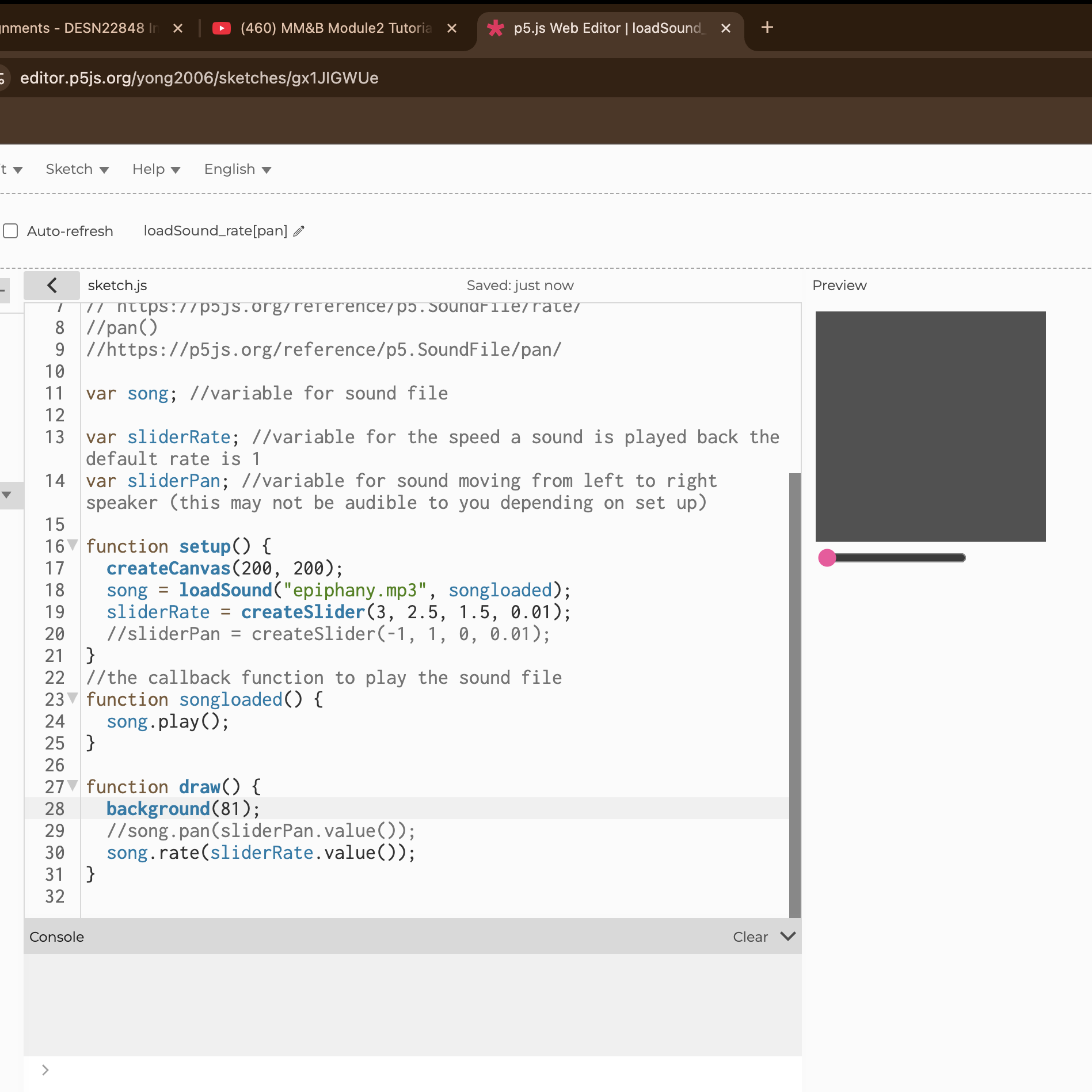
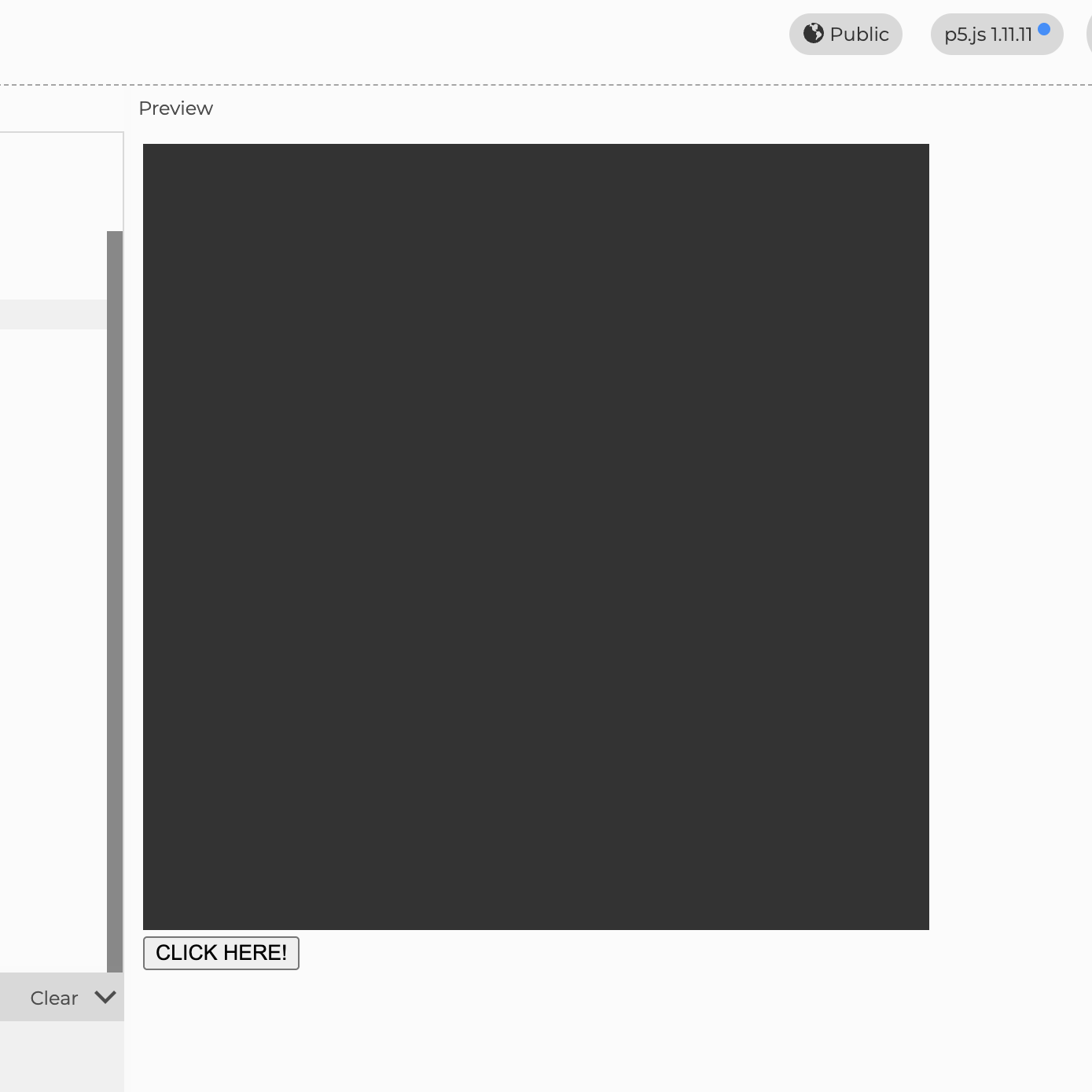
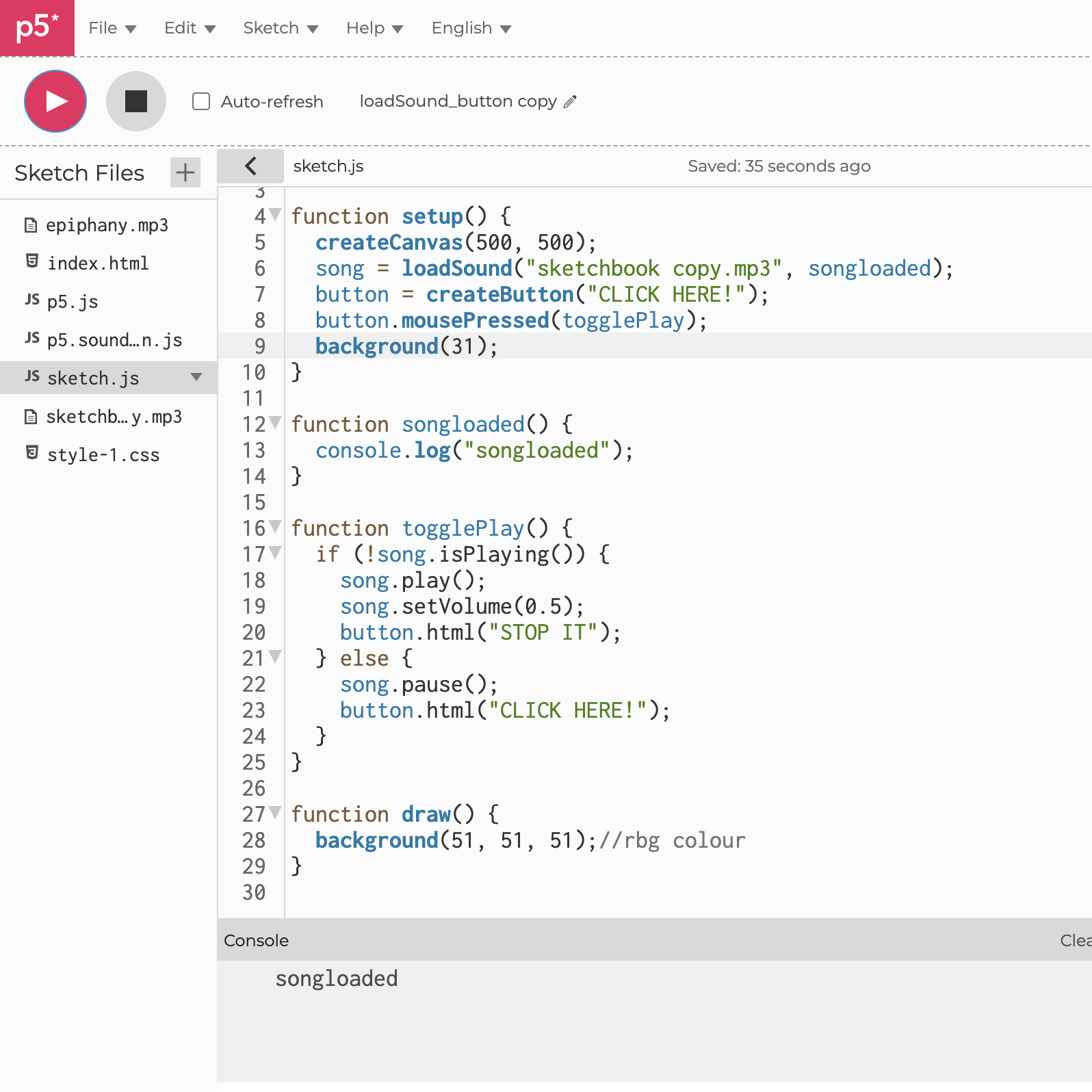
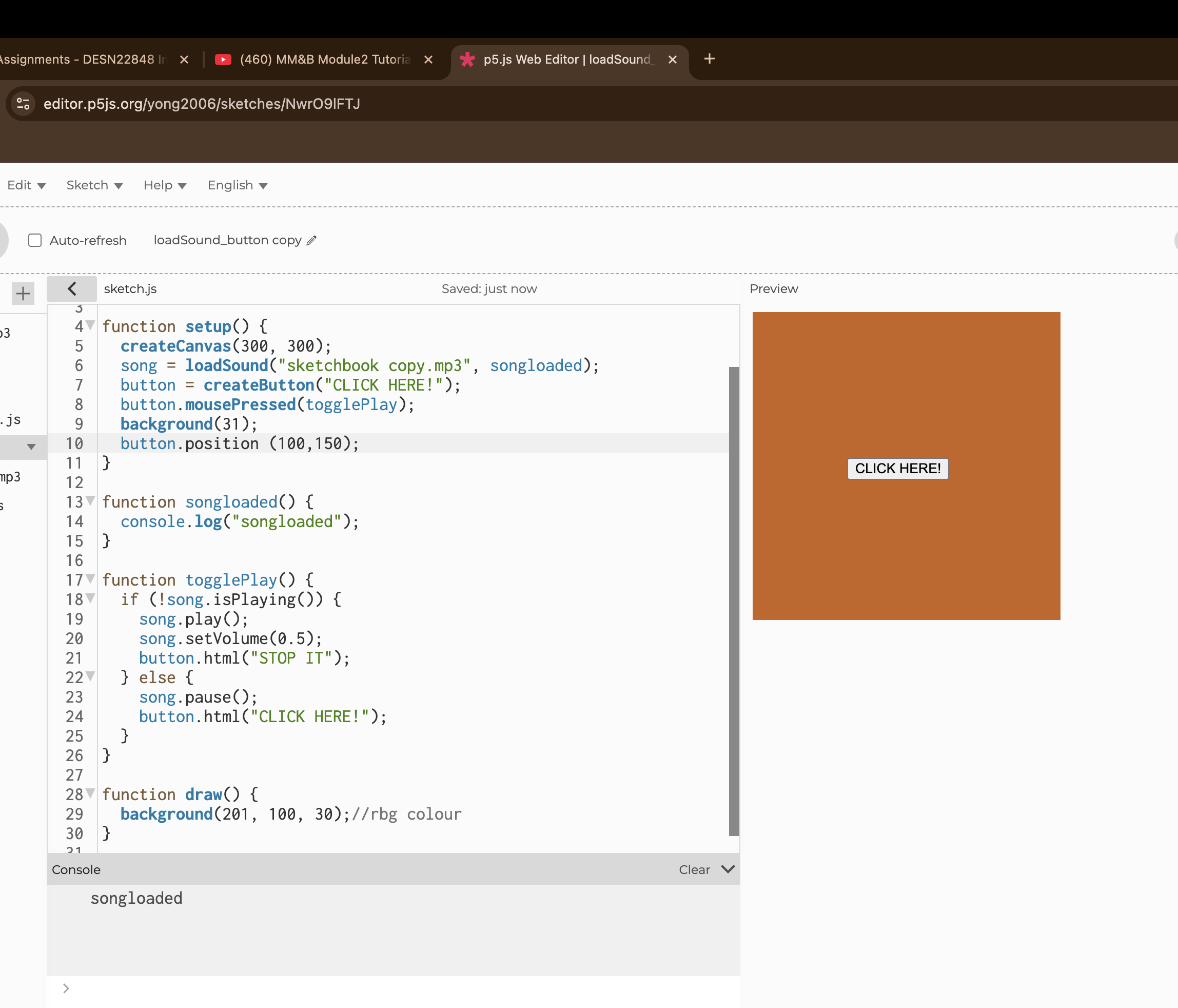
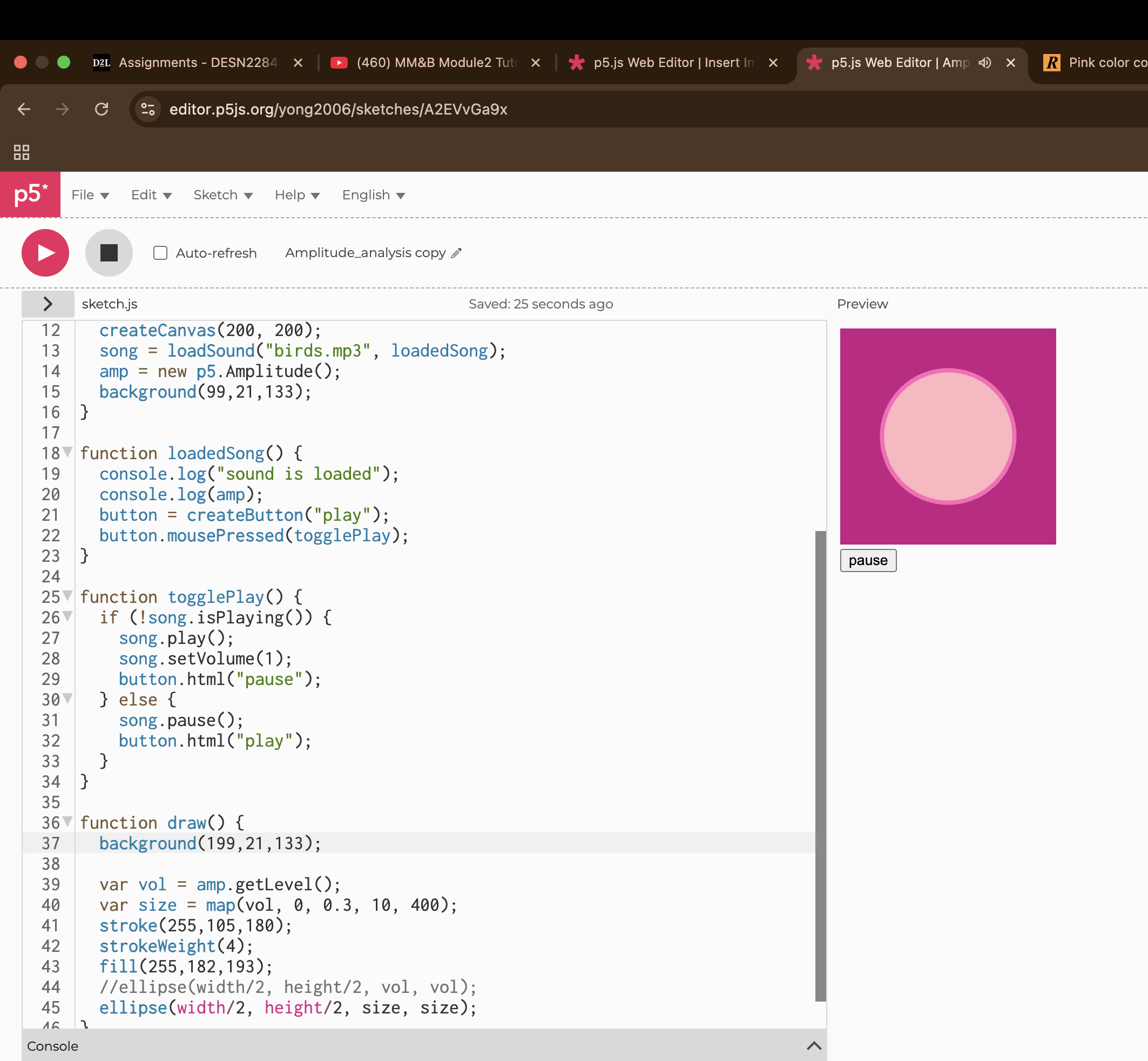
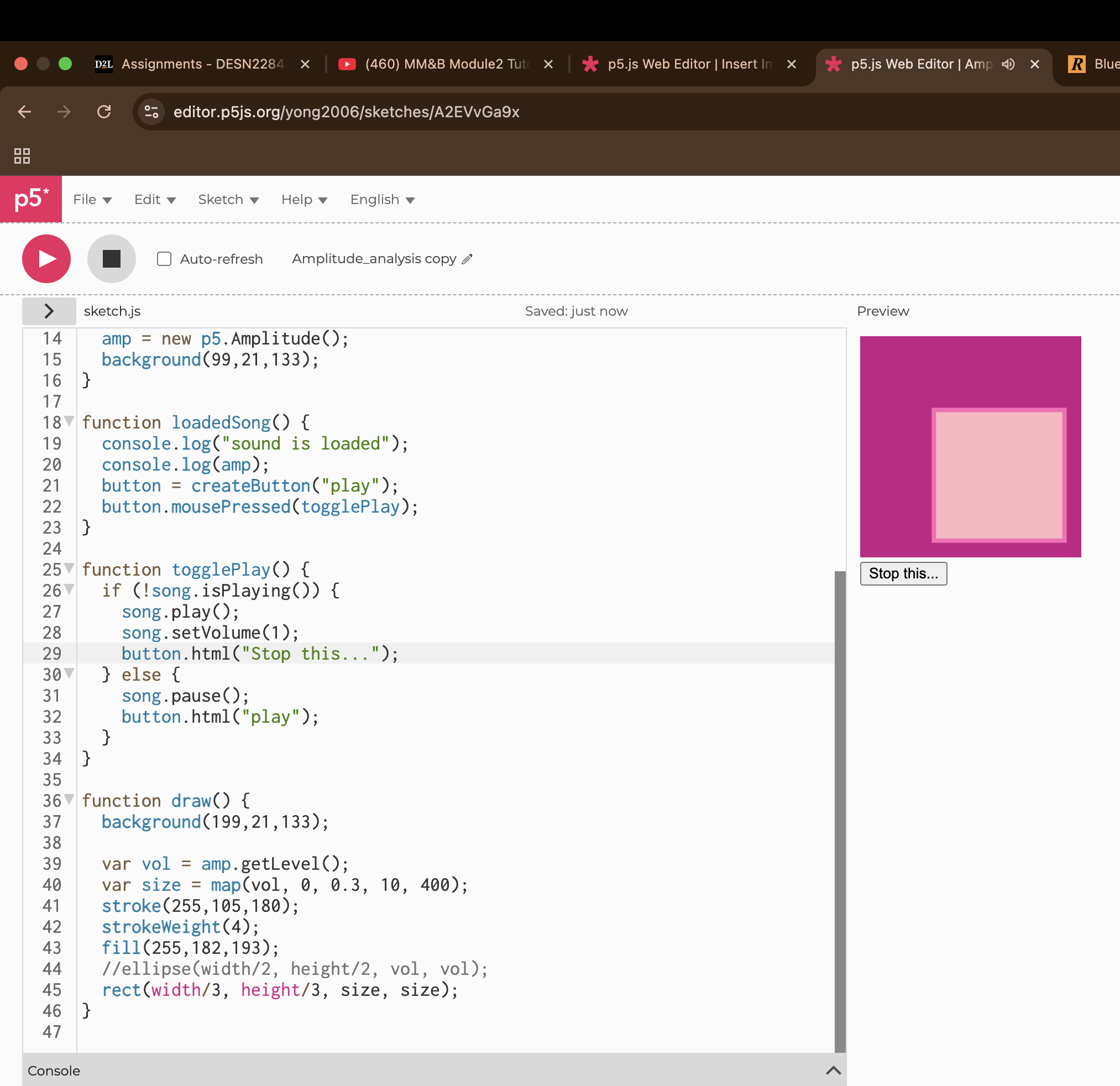
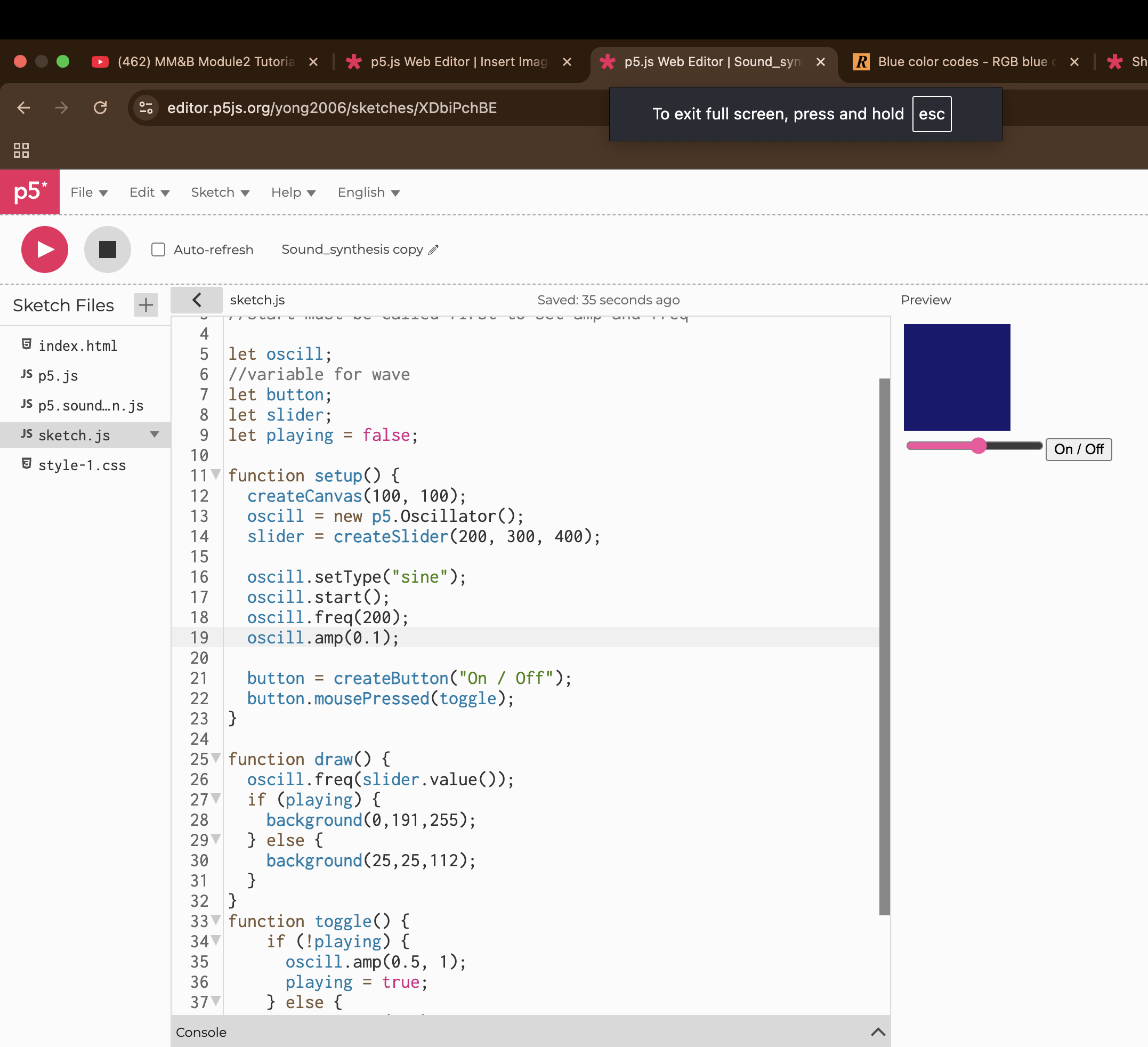
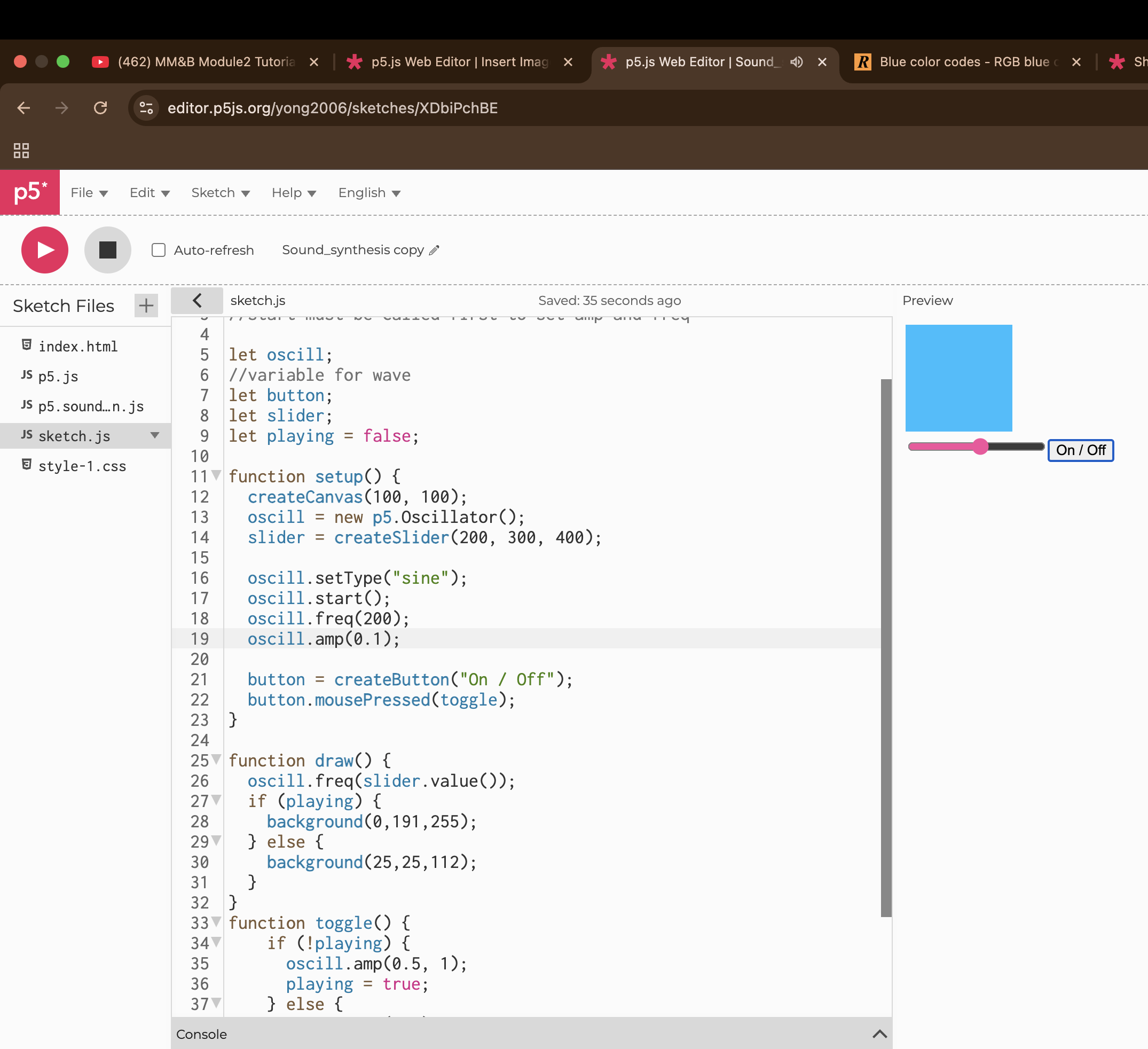
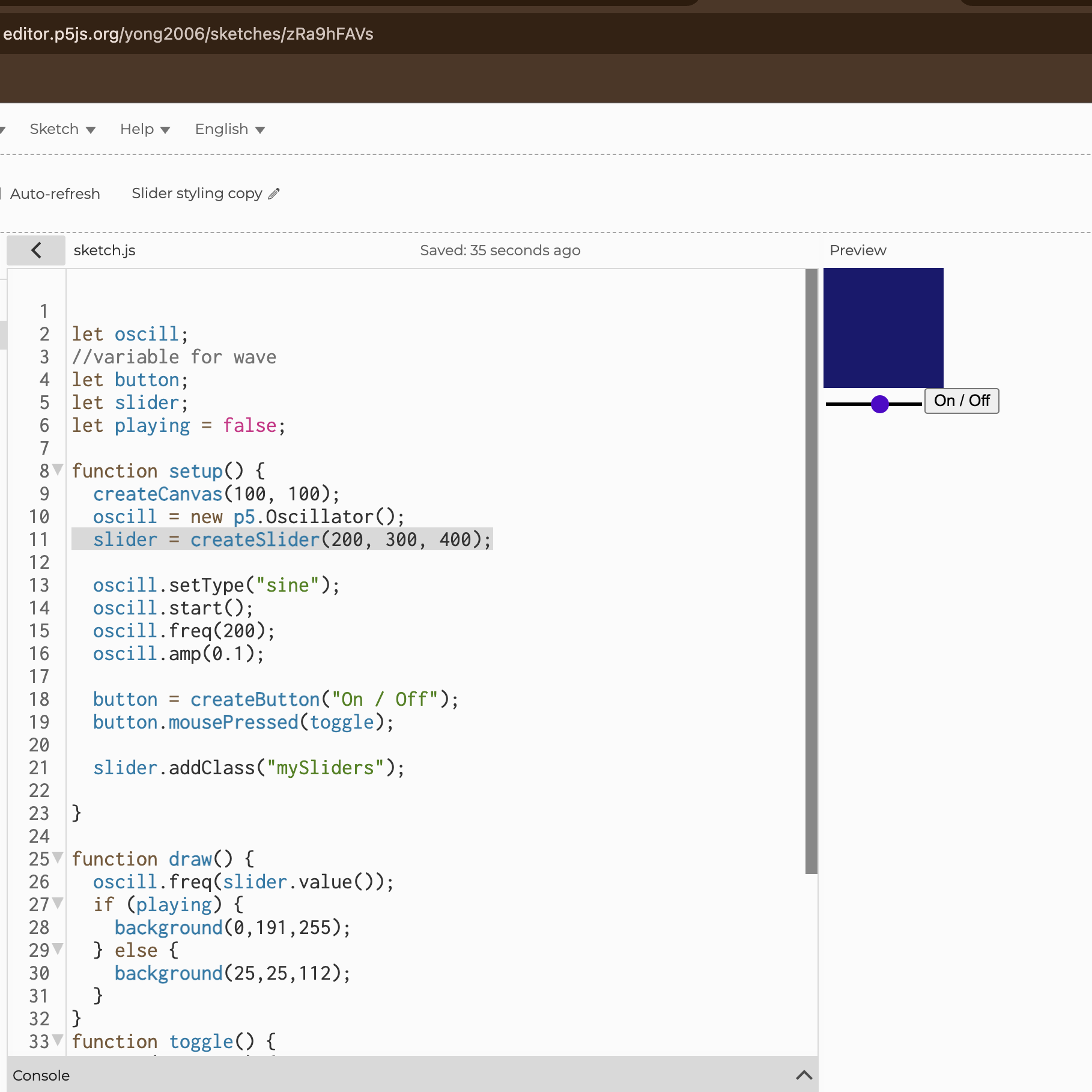
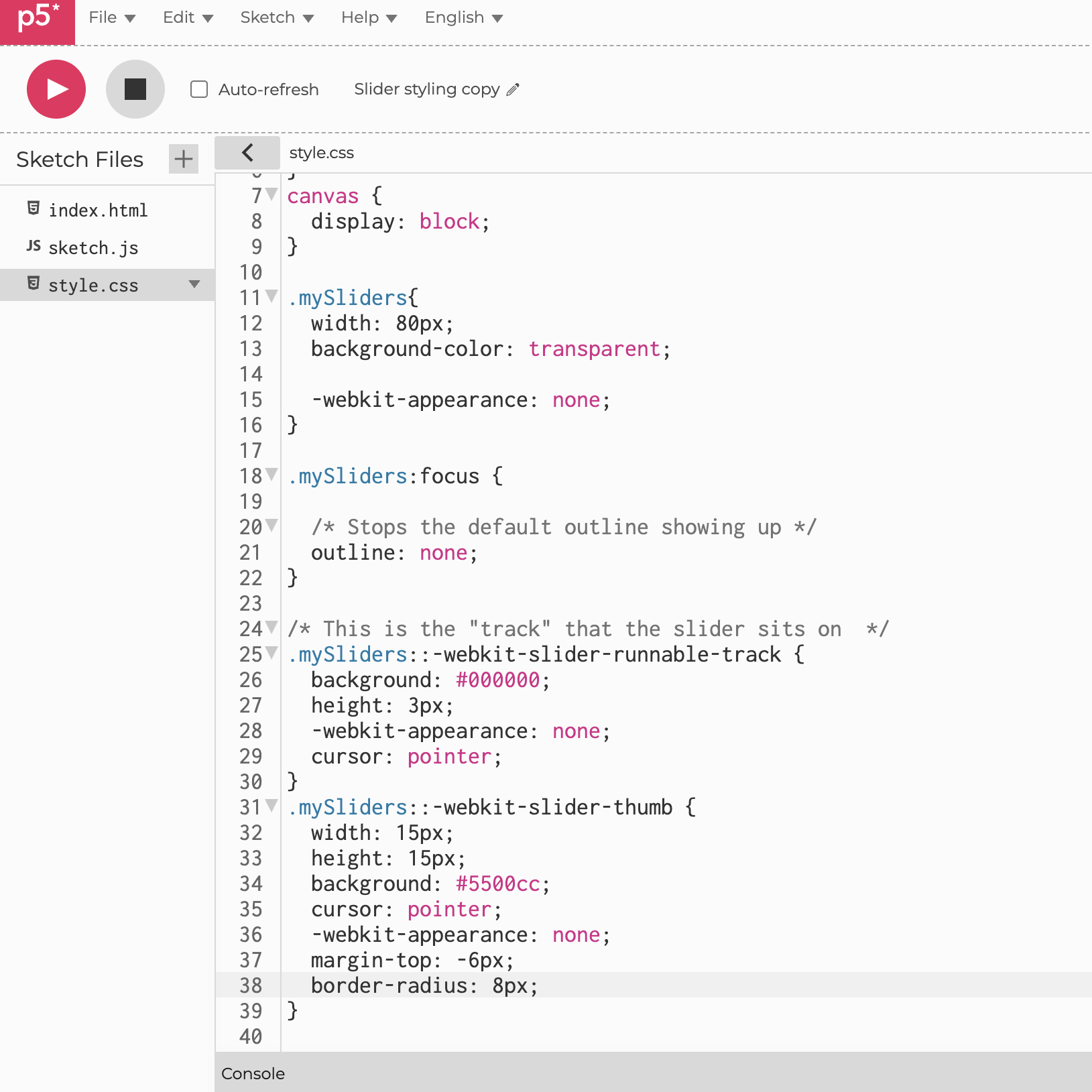
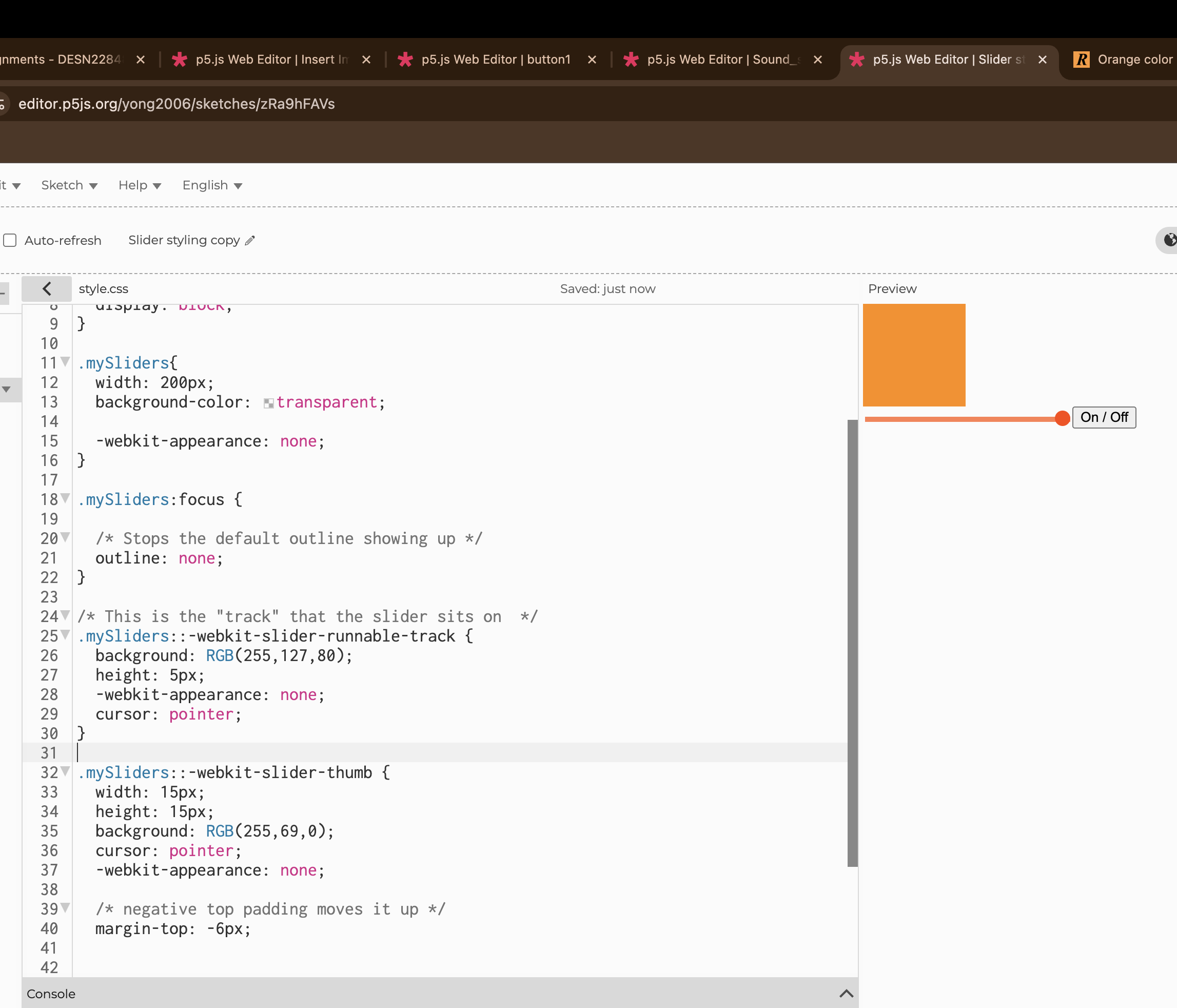
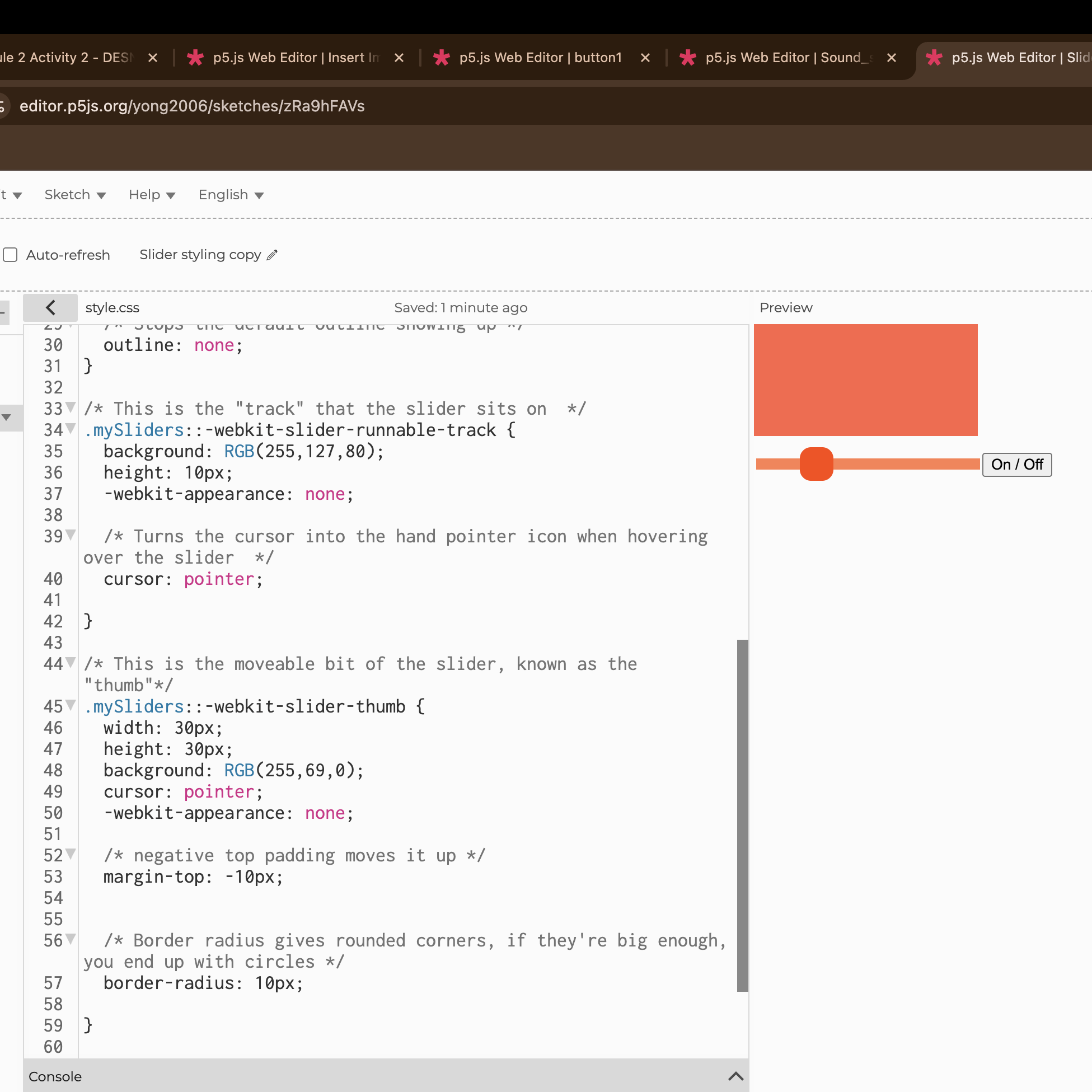
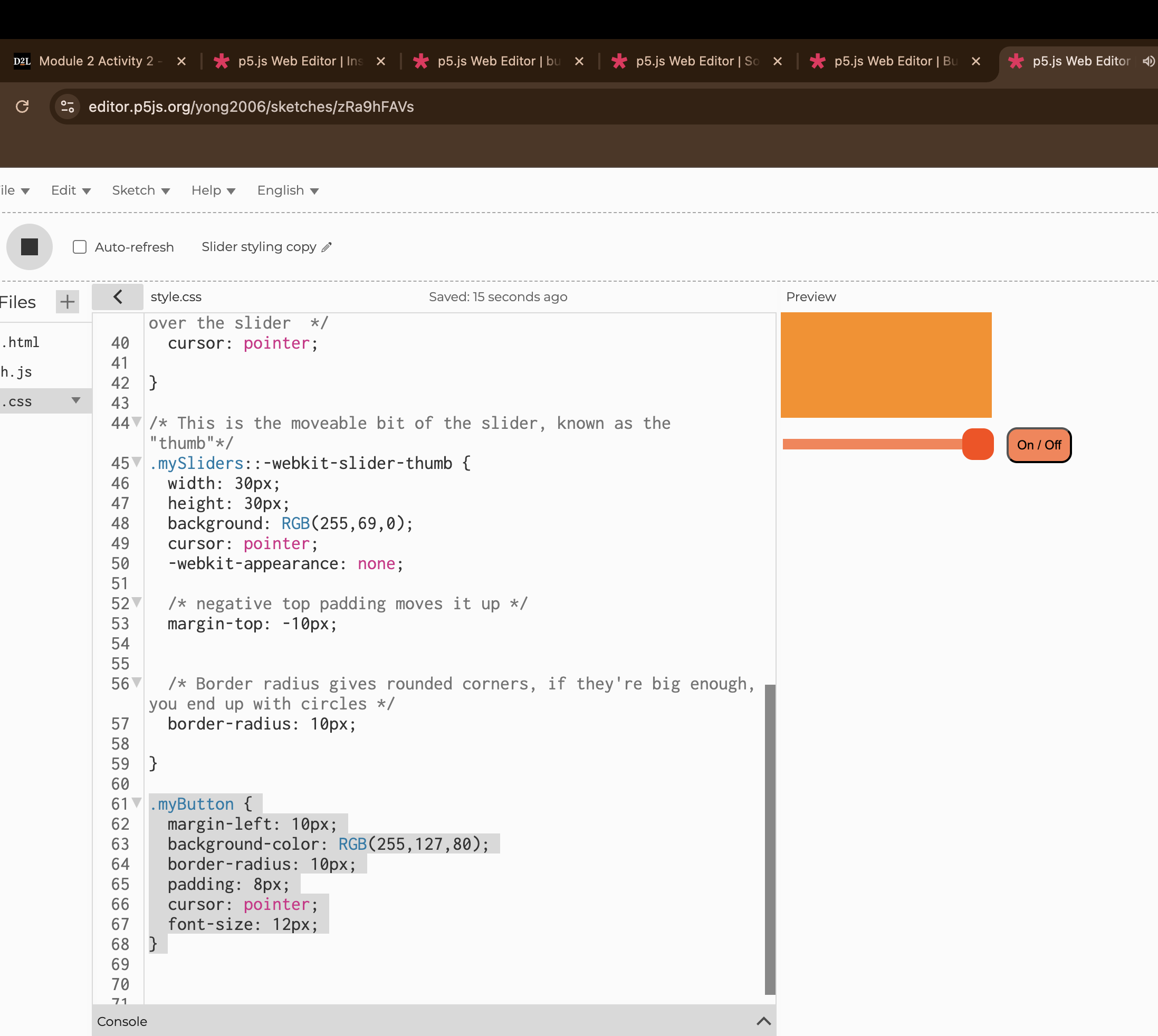
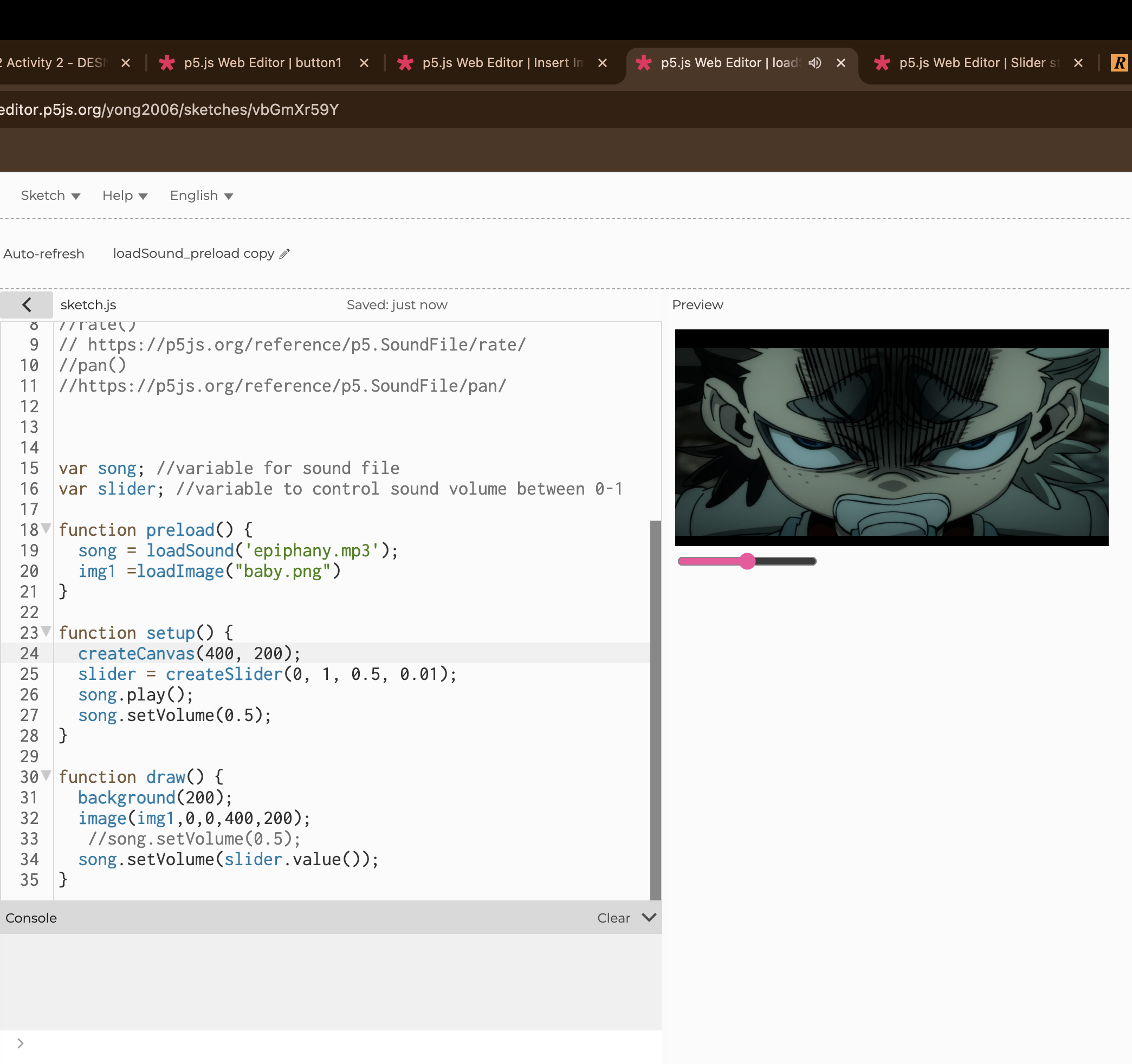
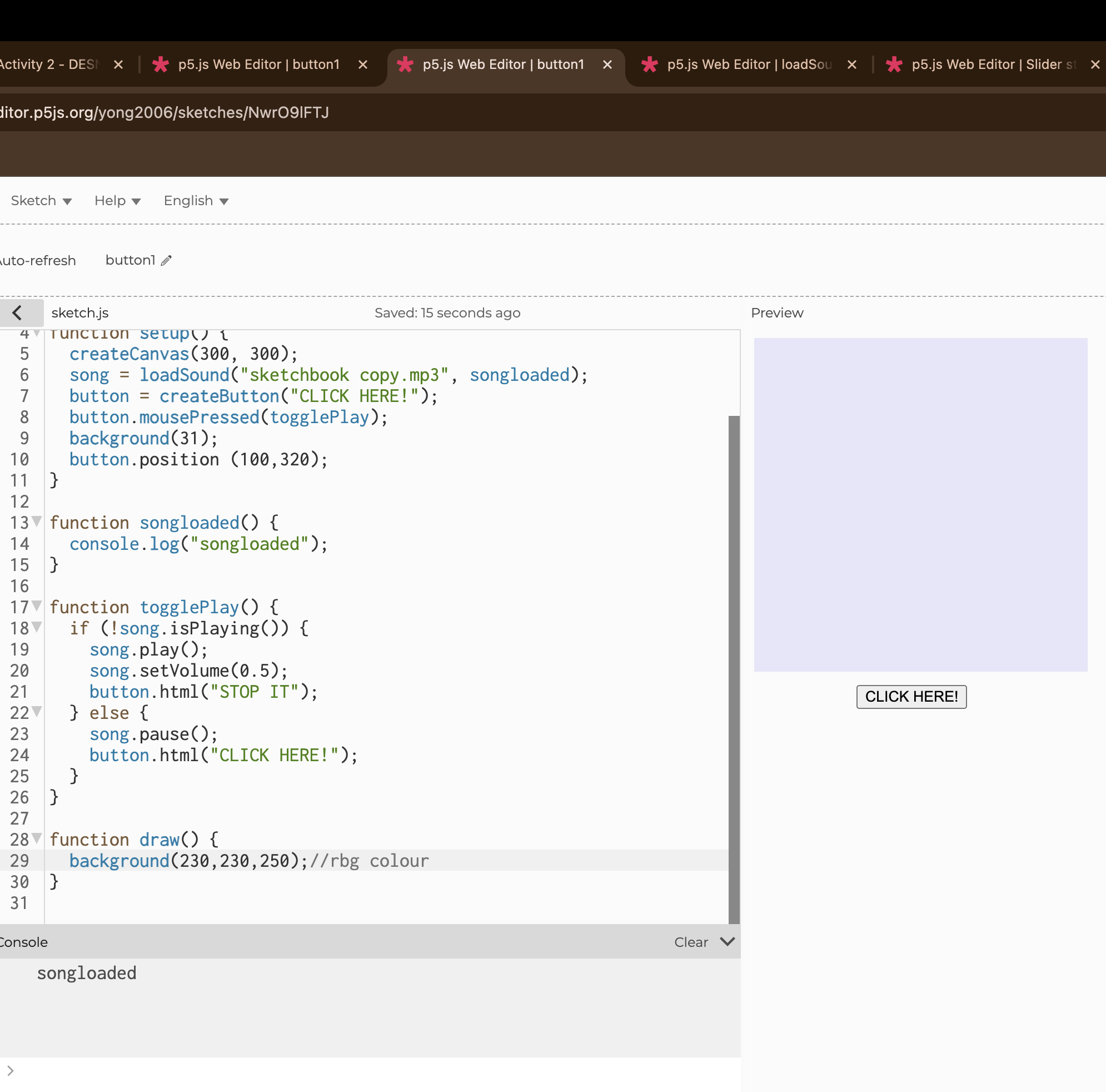
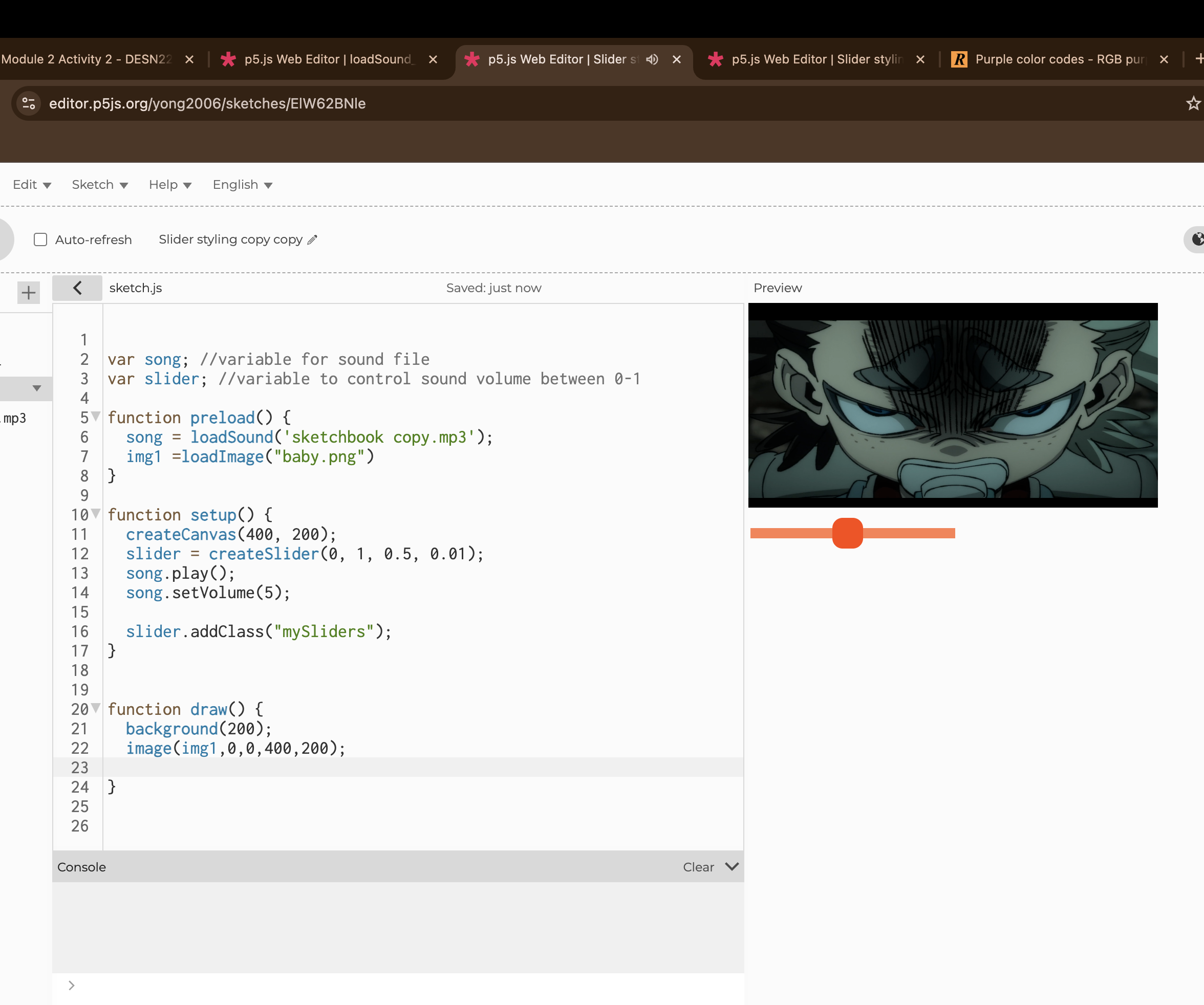
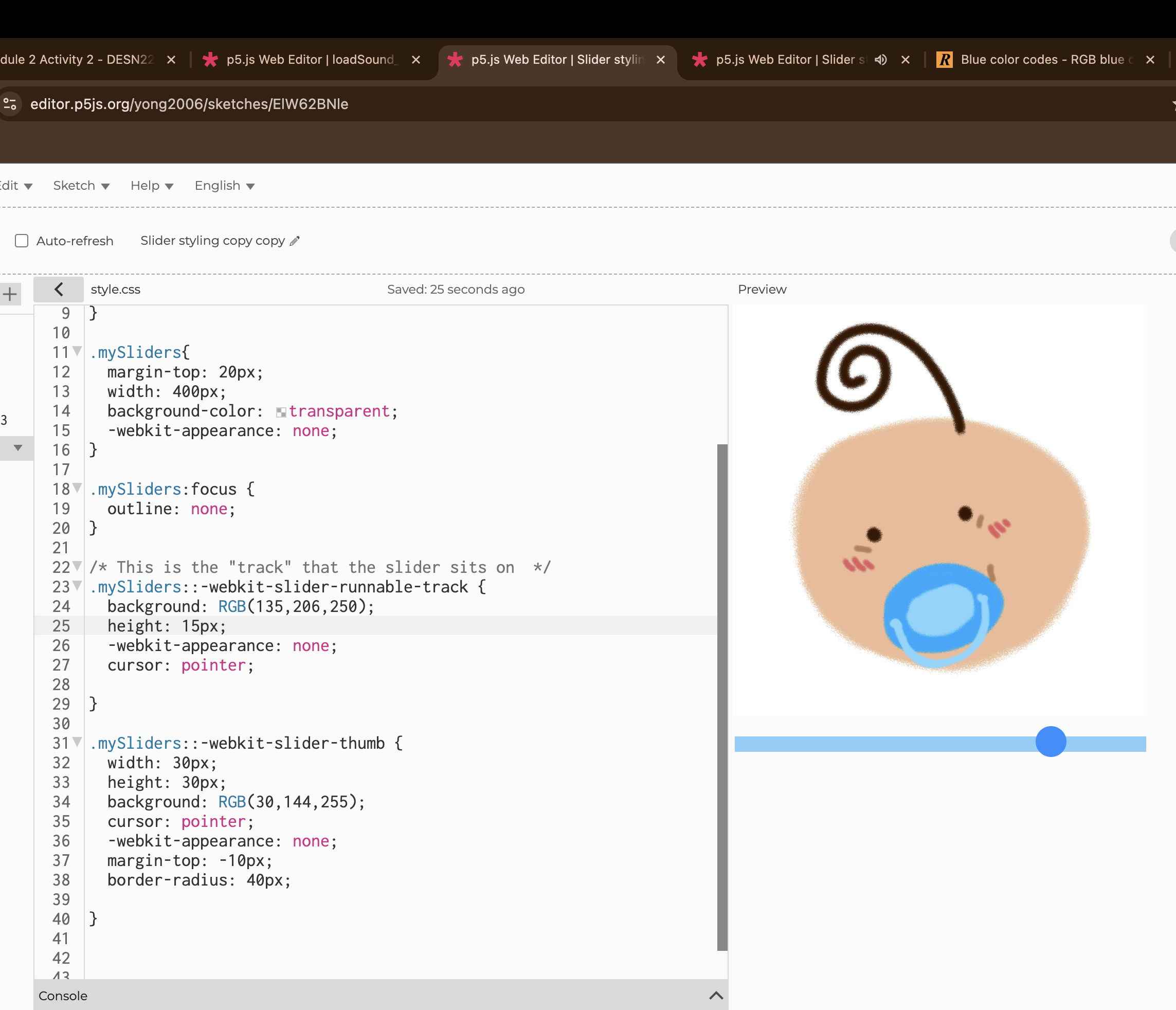
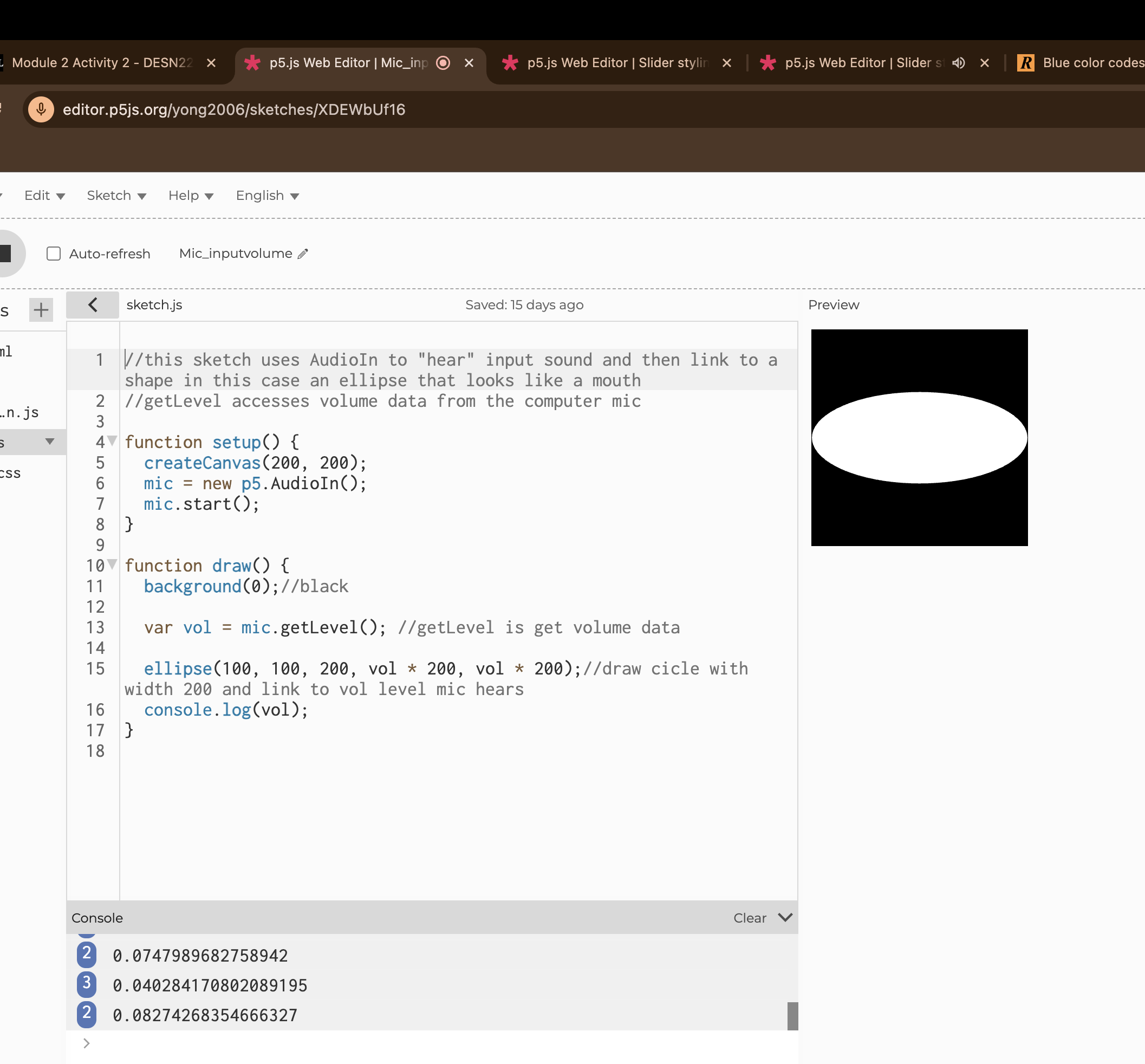
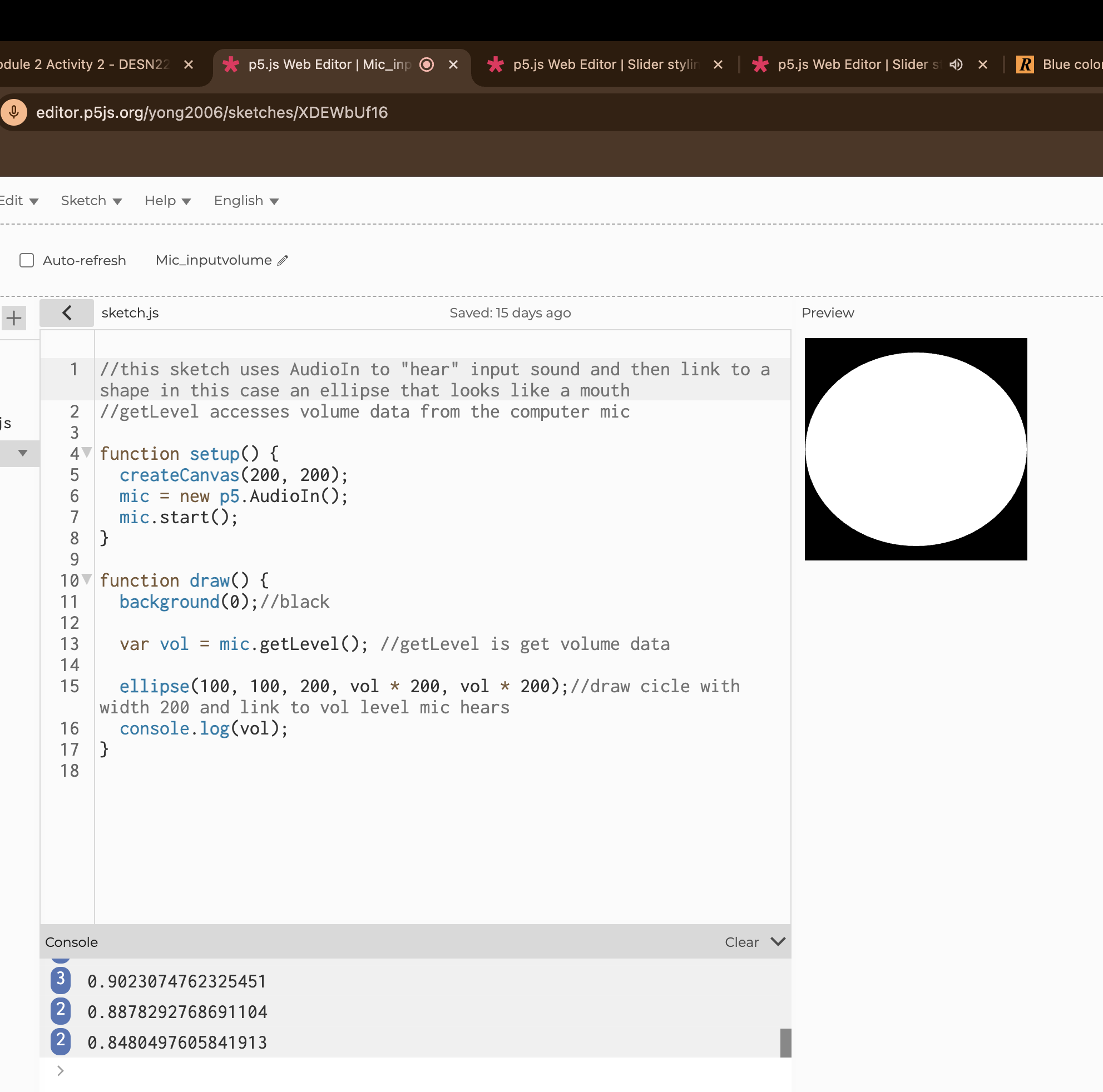
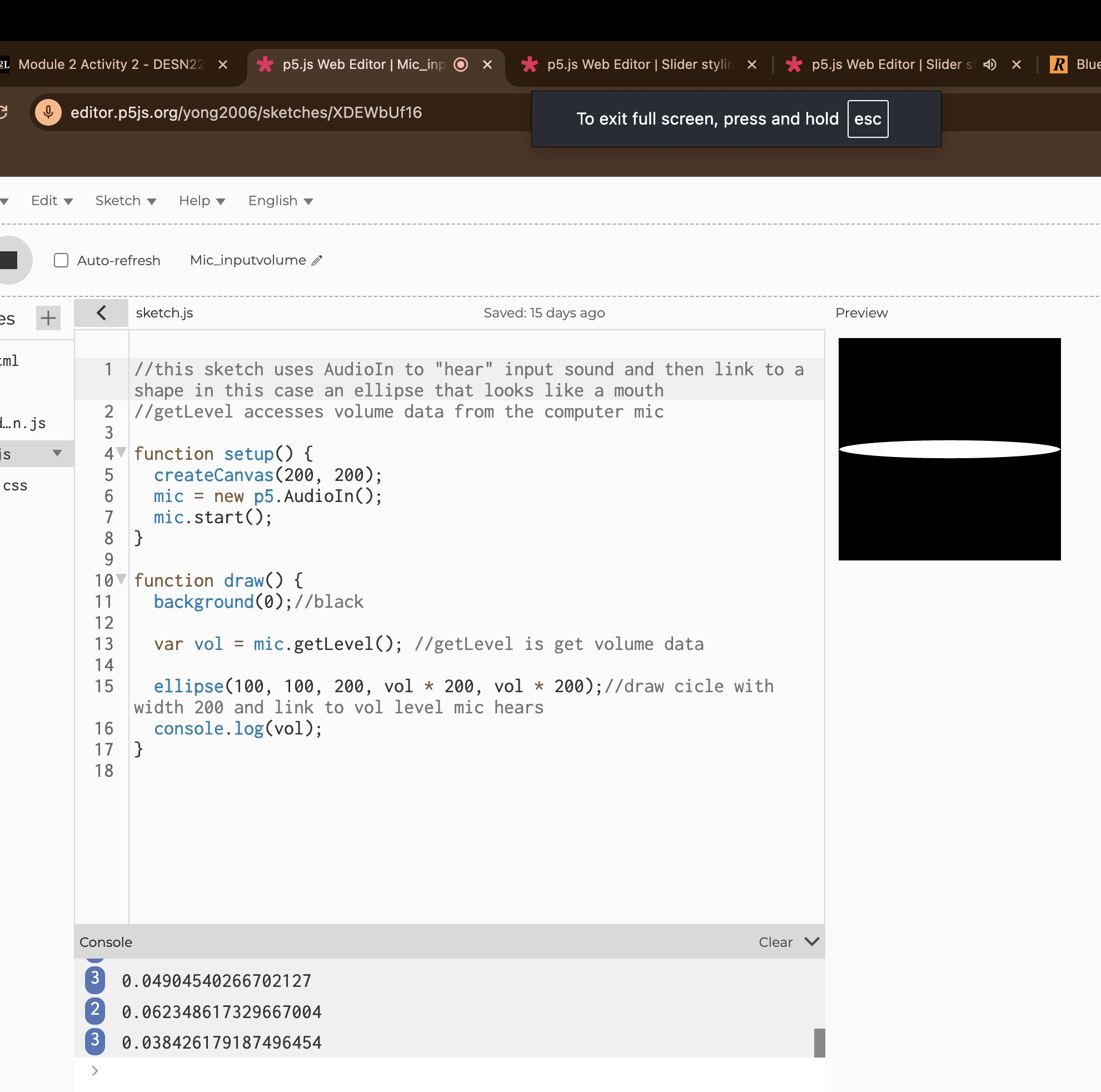
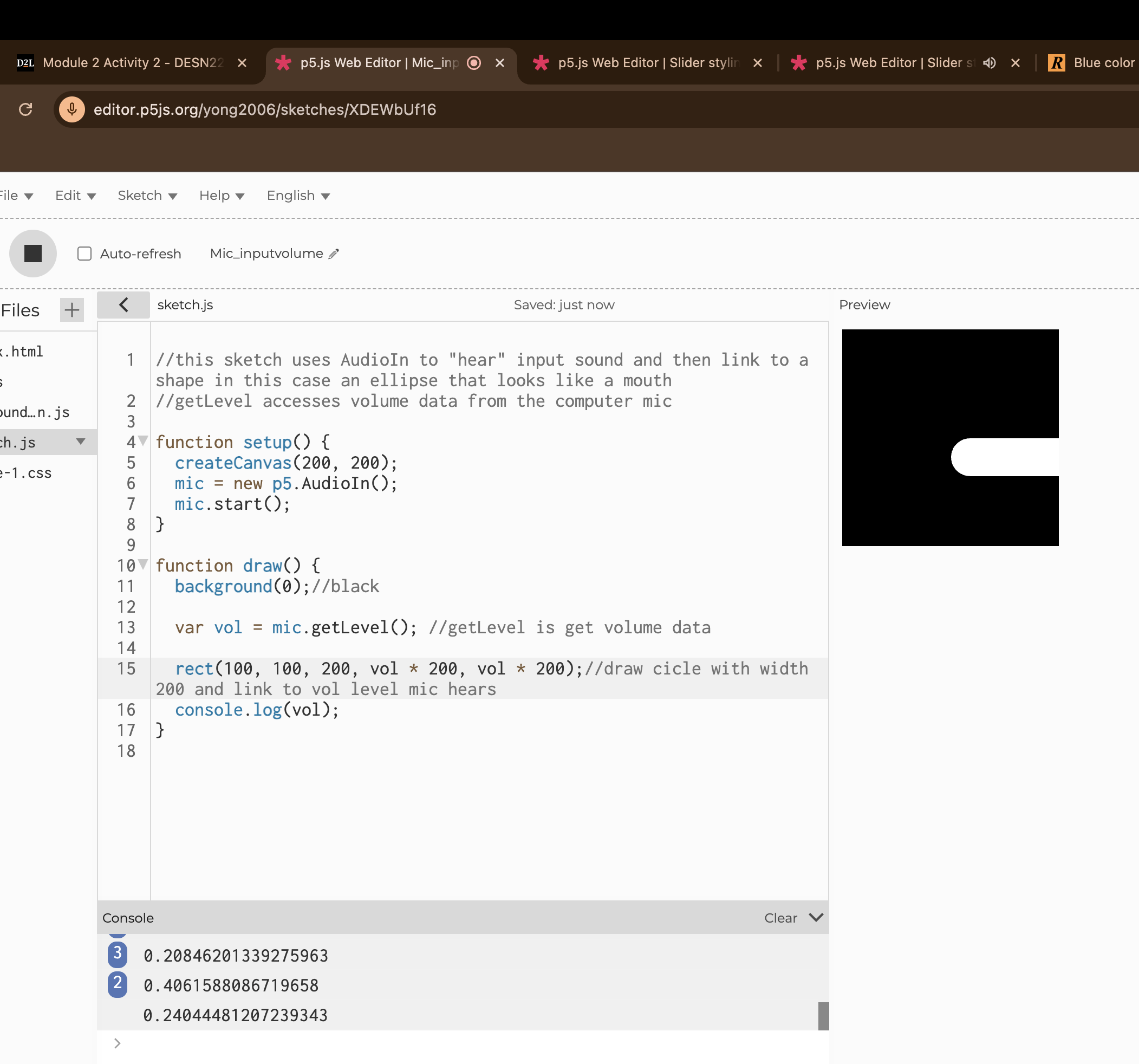
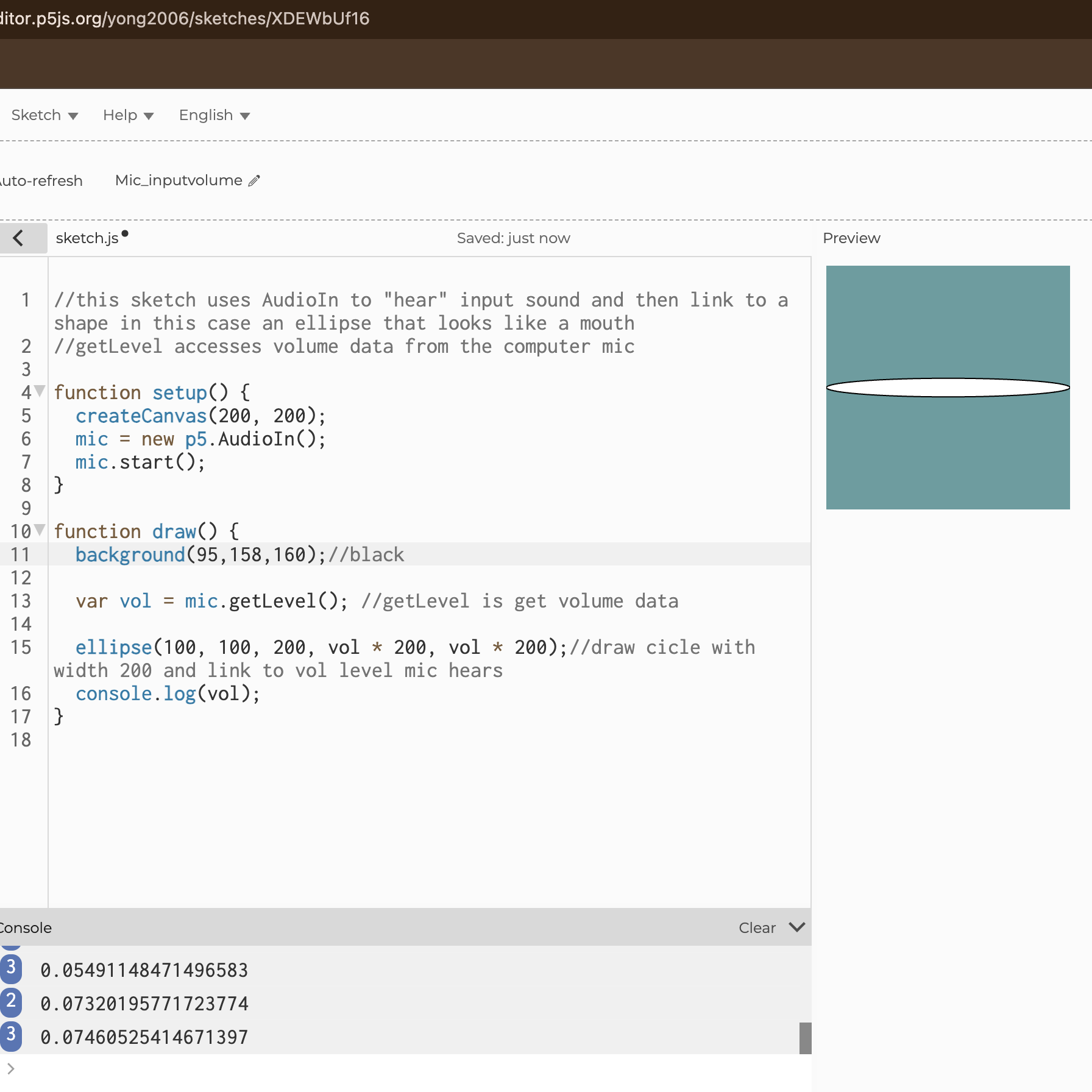
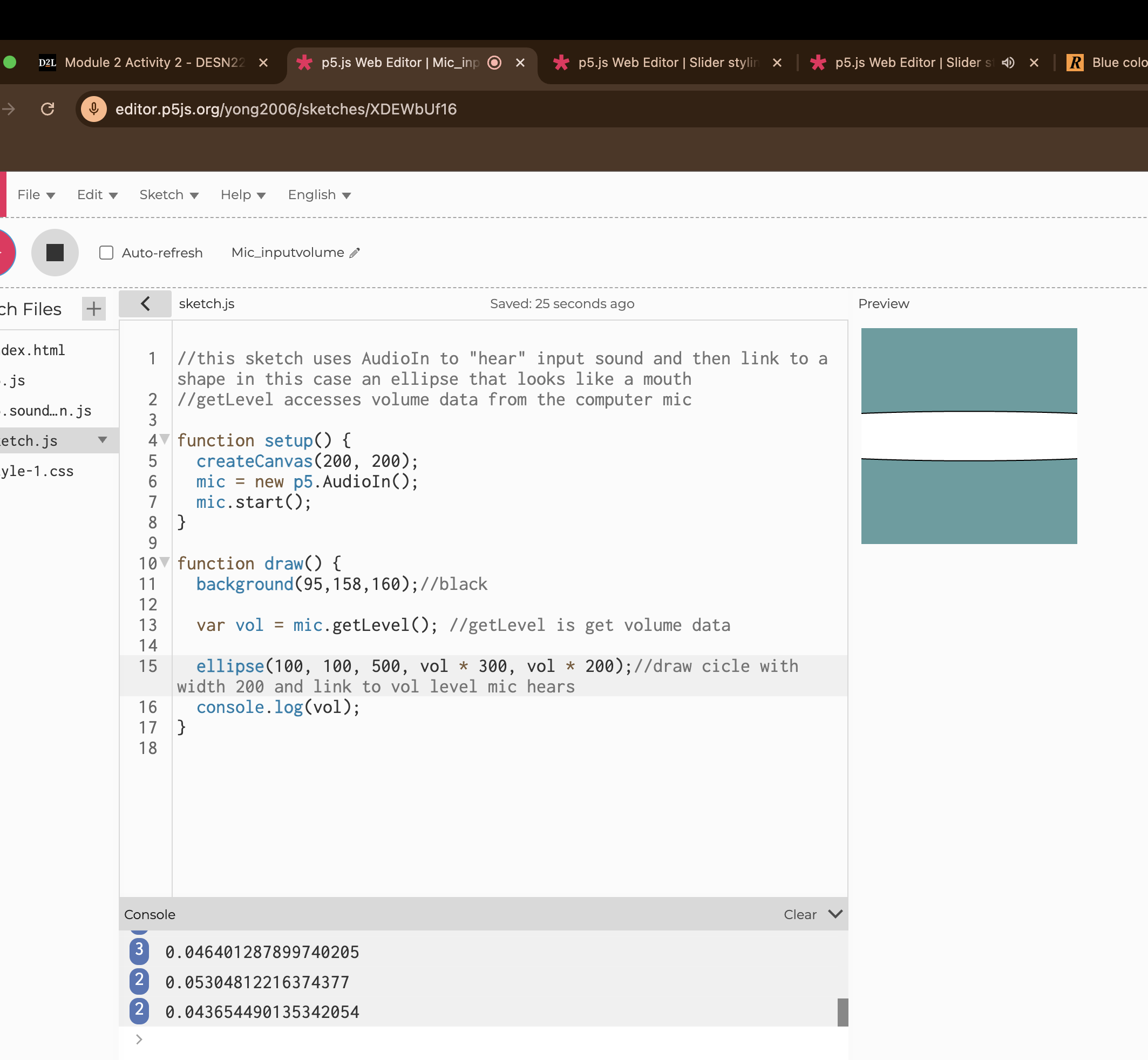
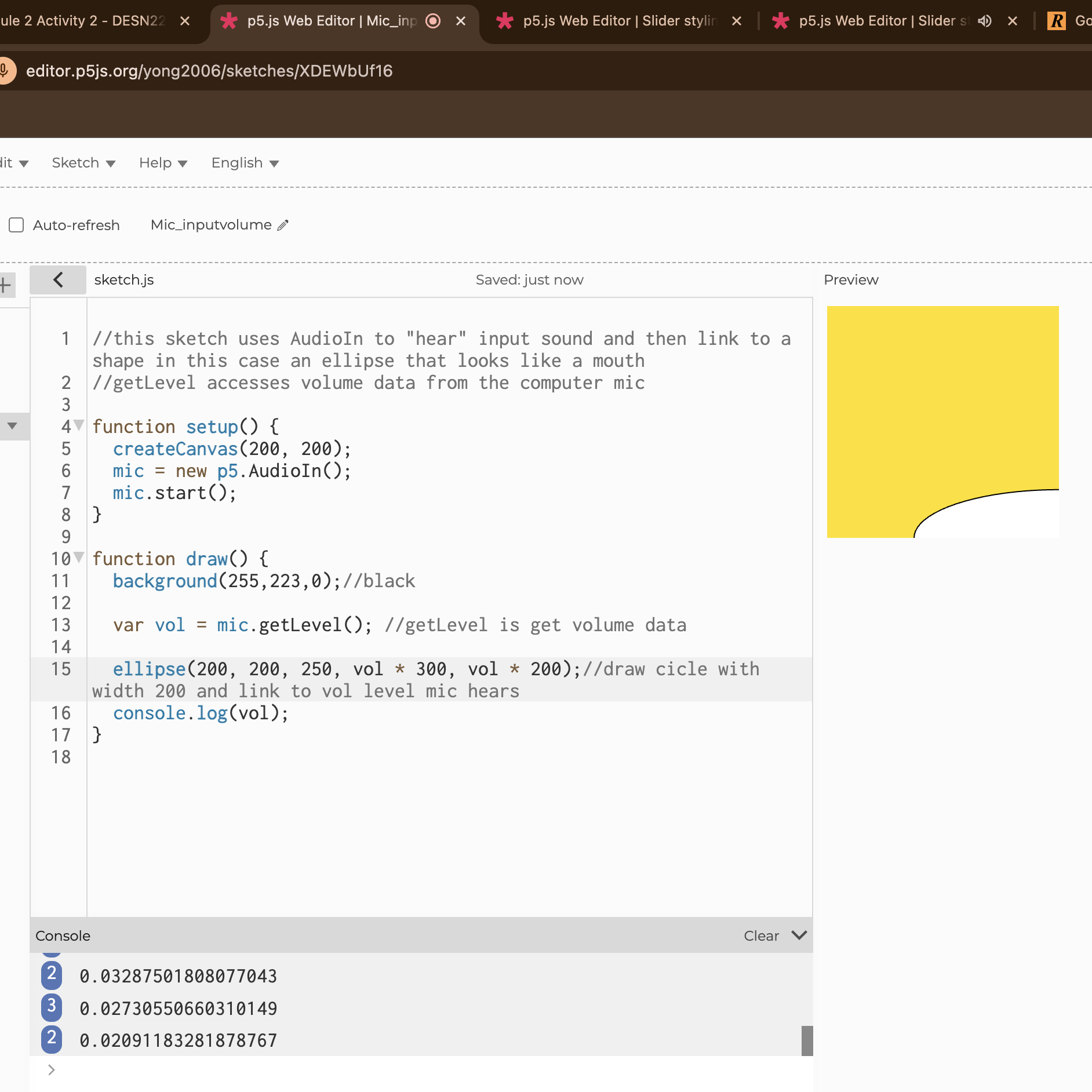
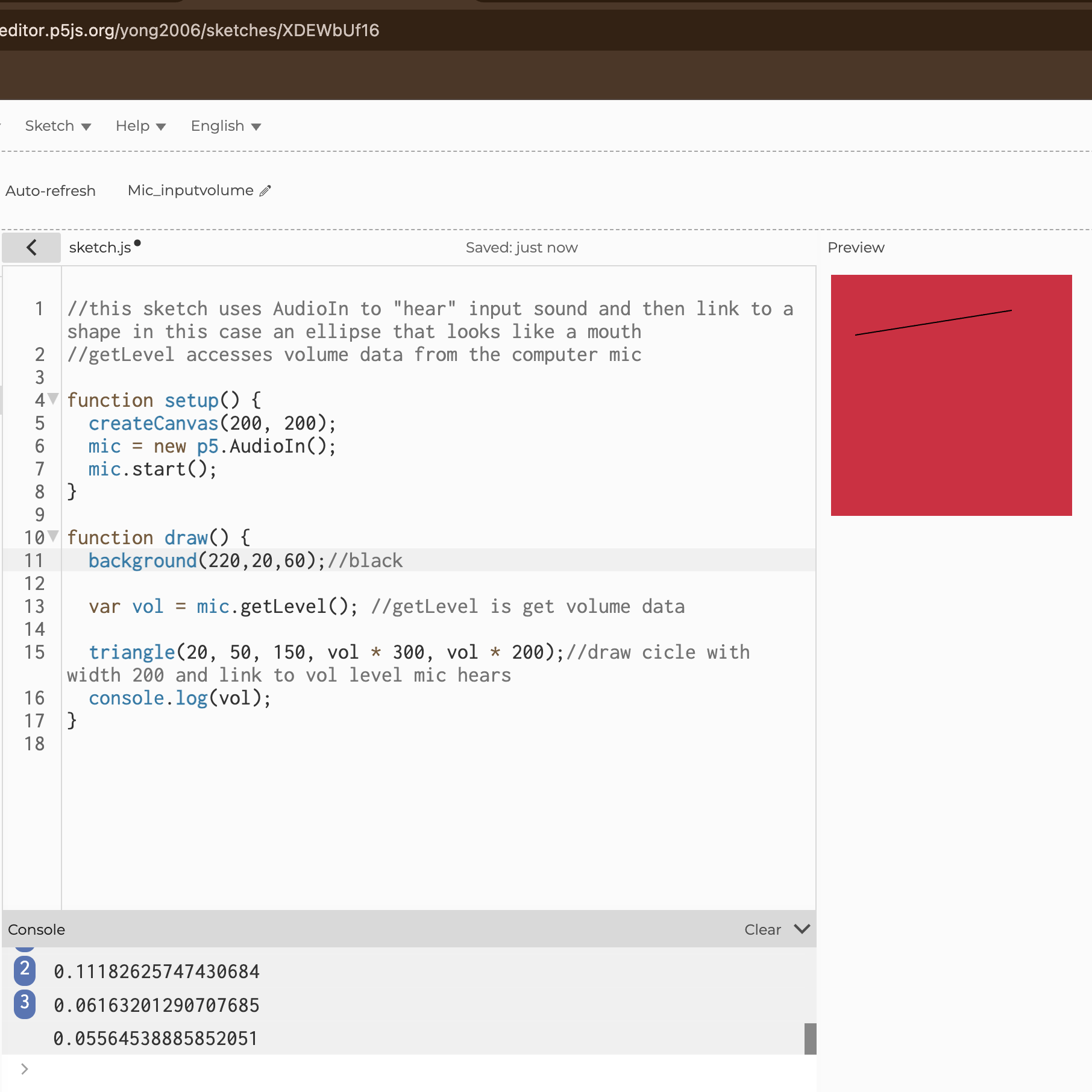
I wanted to experiment with the button controlled code since it reminds be of how actual music apps work. I started by experimenting with the canvas size placement, the content of the button, and the colour of the canvas. I also added my own sound to it instead of the original song file. This is what the code looked like when I experimented with the canvas size placement, the content of the button, the colour of the canvas, and adding my own sound file. I then tried to move the button and changing the canvas to something more colourful. I started to experiment with the slider, I made it so the fastest speed was 3 instead of 1.5, however the slider did not function and it was stuck on the 3 setting. I wasn't very interested in this code though since it didn't seem like it could be used in a variety of ways. I wanted to try playing with the amplitude analysis code since I thought the concept was interesting. I changed the colour of the shape, background, and how large the ellipse could expand in correlation to the volume of the sound. I also changed the sound to be bird noises instead of that 'epiphany' song. I changed the shape from an ellipse to a rectangle since I wanted to see the array of primitive shapes that p5js offered. I made the base size of the shape larger and changed what the content of the button. I made it so when the audio is paused it turns dark blue. I also made it so the amplitude was lower/quietier since the I found the high volume agitating. I made it so when the audio is played the background turns light blue. I edited the default slider and was able to make the ball a deep purple and make the line black with sharp edges instead of round. I had to make the slider a class and then edit it in the style.css. This is the code for the style.css to change the slider. I wanted to play with the slider function a bit more so I changed it's colour and its length. I made the ball of the slider more square and enlarged it. I also made the track thicker and made the canvas the same size as the track. I made the button its own class and began to edit it on style.css. I'm aware I can also edit it on the sketch.js but decided against this because I didn't want to get confused with the noise functions and button functions. I changed the padding, margins, colour, text-size, border-radius, and also made it so when someone hovers over the button the mouse becomes a pointer finger. I wanted to see if I could add my own image above instead of just a colourful canvas. I added a screenshot of a character from a popular show above the slider. I also made it so the slider would control the volume of the music. I changed the colour of the canvas to a lavendar, centered the button, and put it underneath the canvas. Replaced the canvas with an image and changed the slider. Added a new image to the canvas, changed the canvas size, changed the colour of the slider to make it cohesive with the baby's pacifier, changed the length and height of the slider, and made the thumb of the slider round. I wanted to see how the code worked in conjuction with my microphone. The shapes gets larger depending on how loud I am. This is how big the circle gets when I make a moderately loud noise. In order to get this reaction I tapped my fingers on my desk. This is how big the circle gets when I make a very loud noise. In order to get this reaction I slammed my fist on my desk. This is how big the circle usually is when there is no noise. In order to get this reaction I tried to make minimal noise. I changed the shape to be a rectangle. For some reason it was still round on the edges and was not centered. However, the placement of the rectangle made it look like it was someone's side profile with their mouth open. Pac-man if he was square. I changed the colour of the background to a bluish-green. I changed the size of the ellipse and how large it would get based on the volume of the sound made. I changed the placement of the circle to the bottom right corner and made the background yellow. I made the shape effected by the microphone into a straight line and changed the background to a maroon.

Project 2


Final Project 2 Design

My final project is one that facilitates creativity within the user and acceptance of simplicity and abstractness.
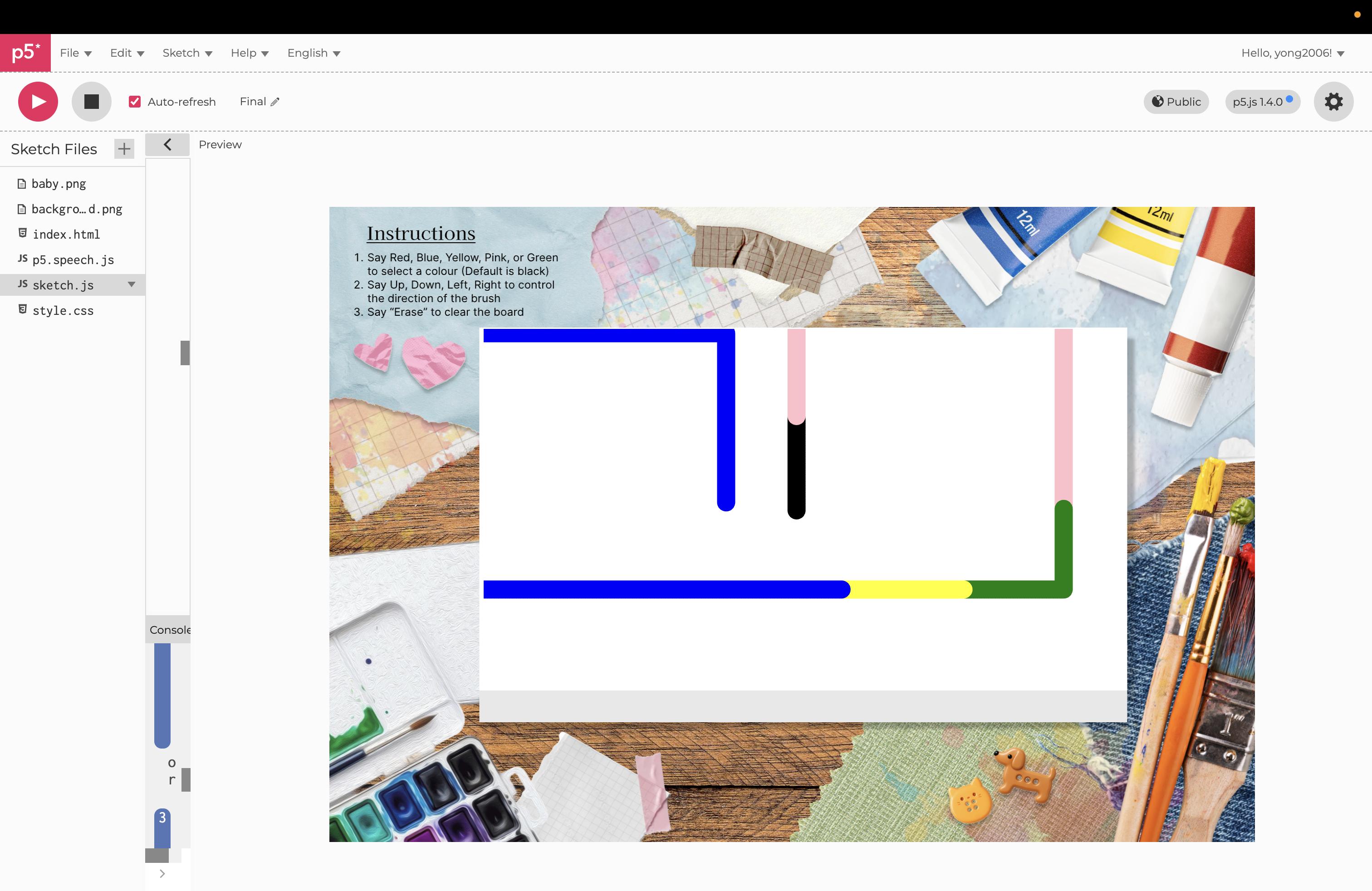
An audio voice synthesizer narrates the instructions for how my website works for accessibility. Users can then direct the brush using voice commands like 'up', 'down', 'left', and 'right'. Users can also change the colour of the brush from red, blue, yellow, pink, or green.

×

Powered by w3.css